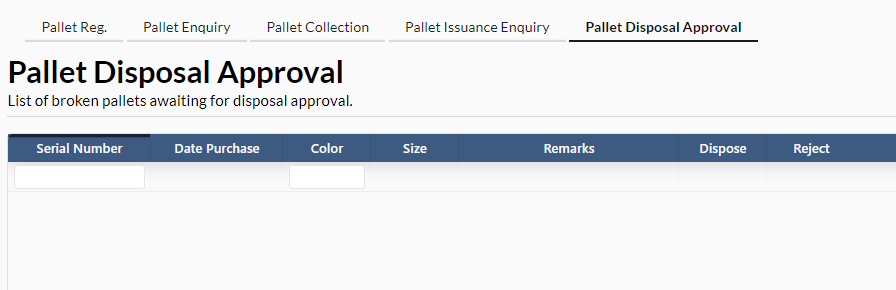
1. Pallet Registration
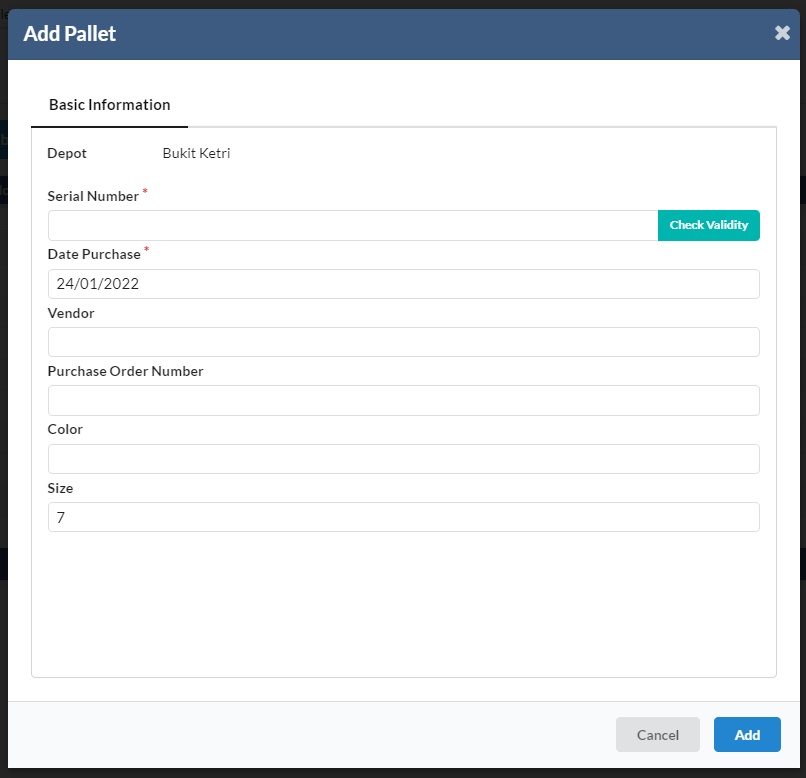
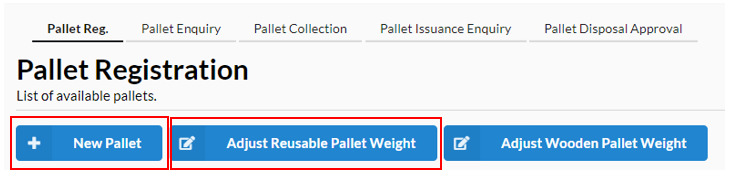
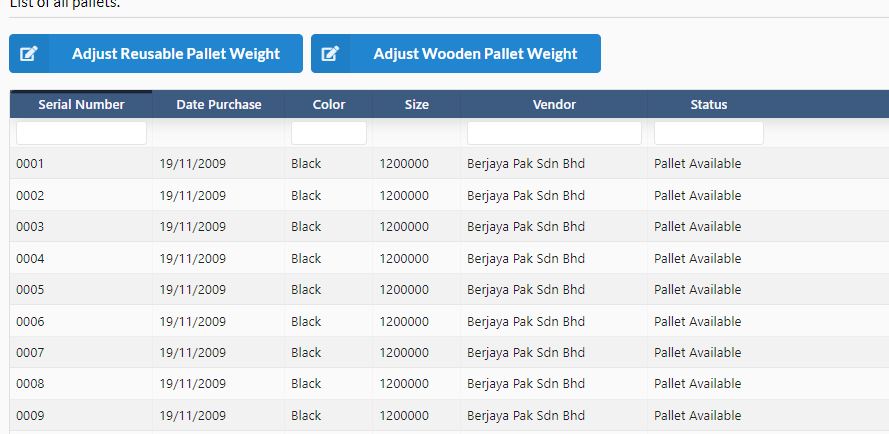
User can view the list of available pallets. To add, user need to click on the New Pallet button. User need to fill in the basic information and press the add button.
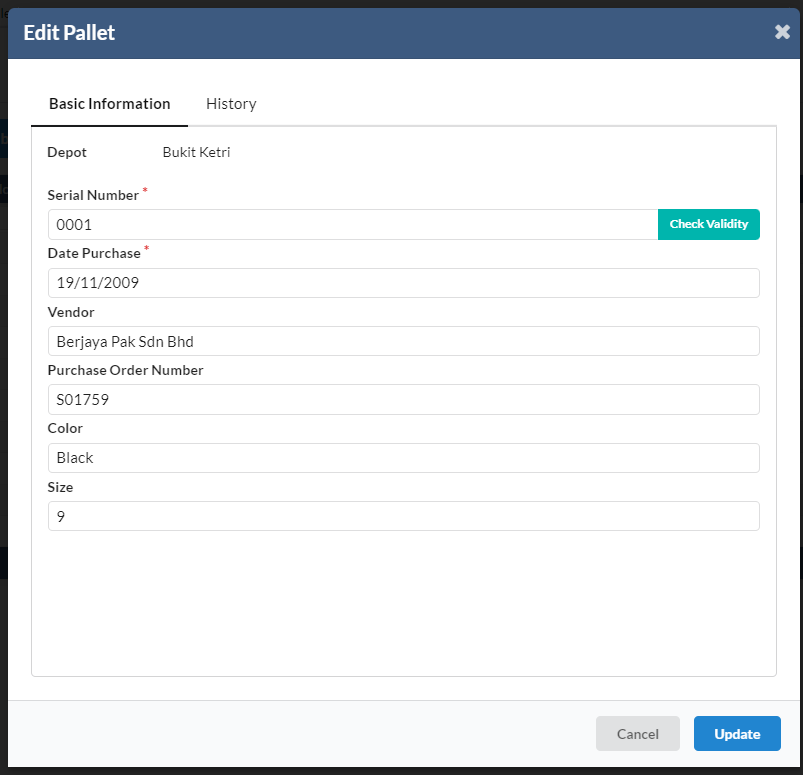
To edit, user need to click on one particular pallet from the list and edit information.
To adjust reusable pallet weight and adjust wooden pallet weight, user need click on the respective buttons given.
2. Pallet Inquiry
User can view list of pallets here.
3. Pallet Collection
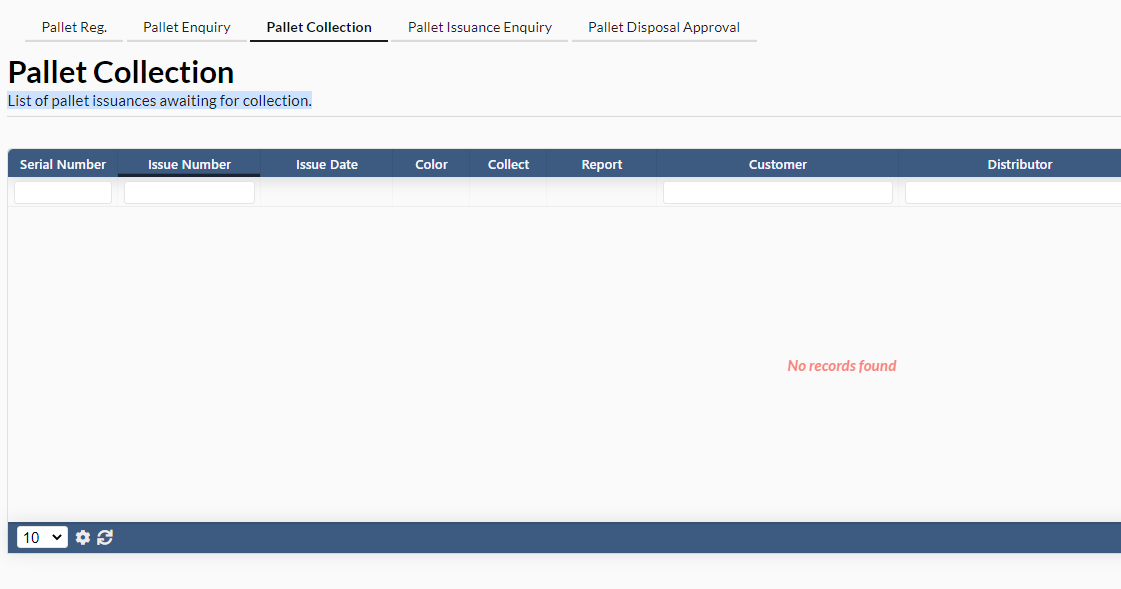
User can see list of pallet issuances awaiting for collection.
4. Pallet Insurance Enquiry
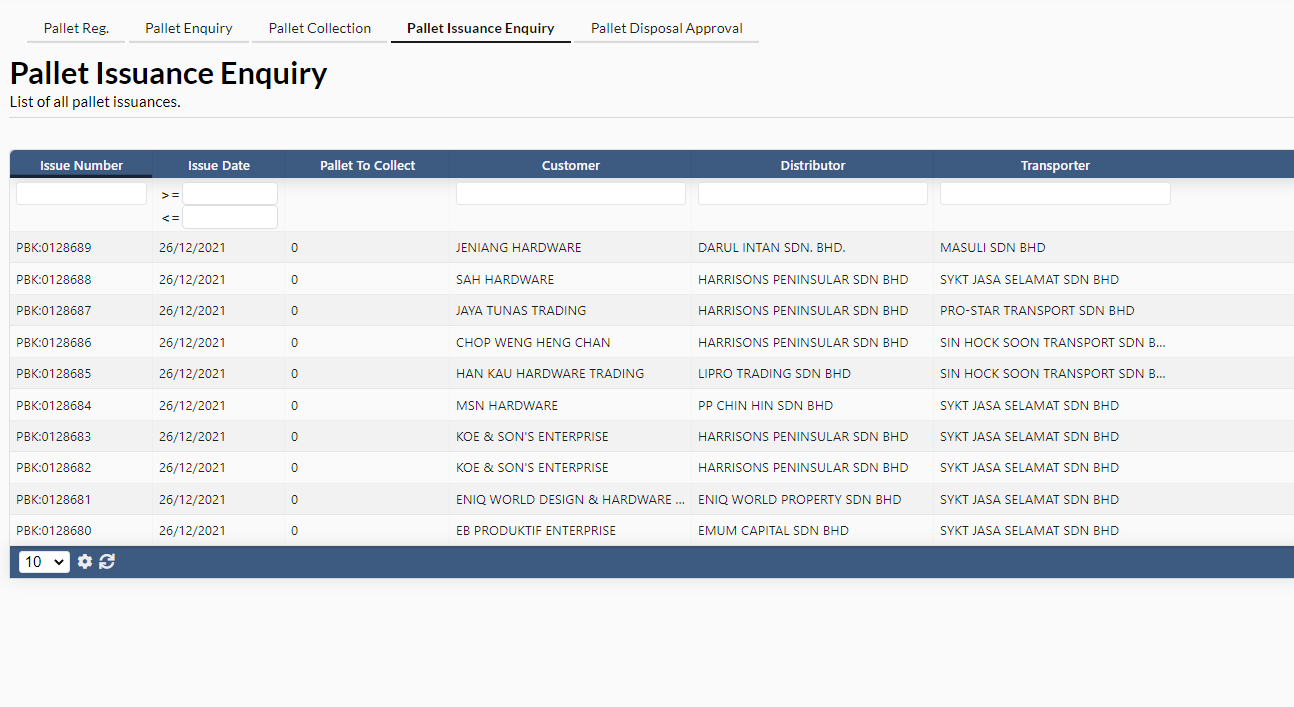
User can see list of pallet issuances.
5. Pallet Disposal Enquiry
User can see list of broken pallets awaiting for disposal approval.