1. Rebate
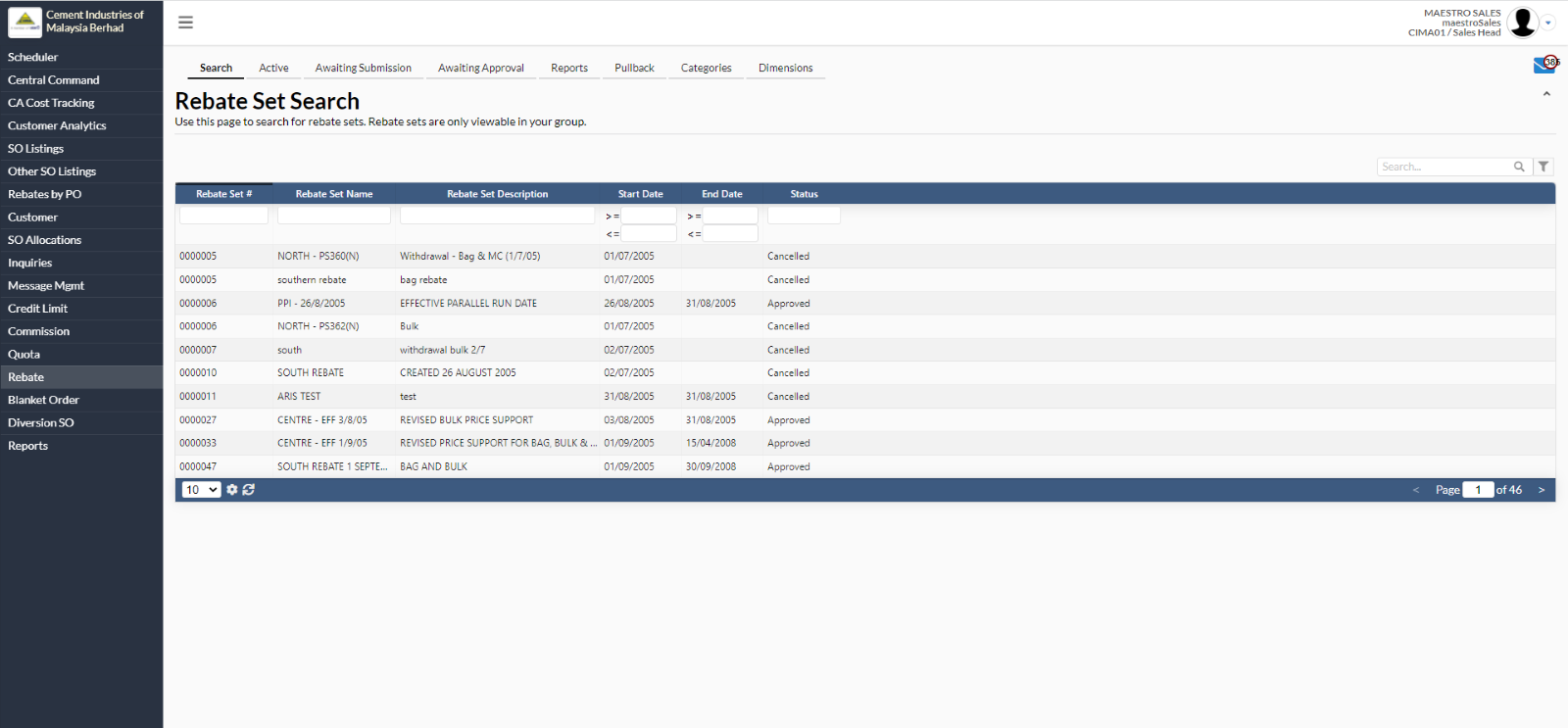
- To search rebate set, navigate to Rebate -> Search
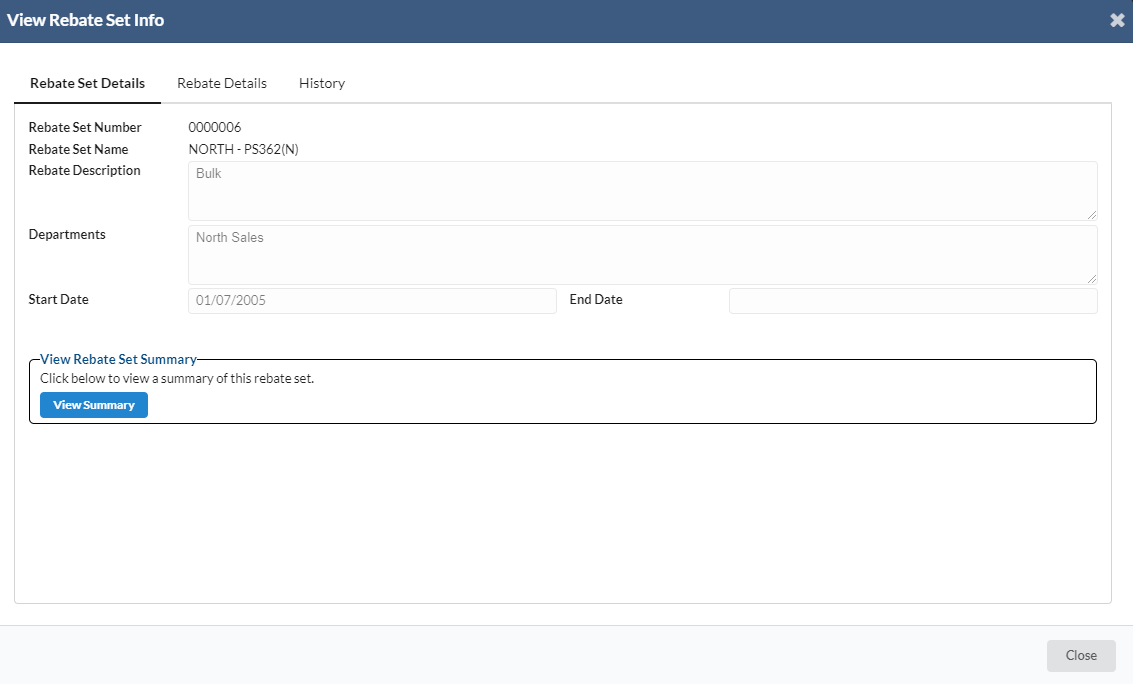
- Select at any rebate set name.
- A new dialog box will appear for user to view rebate set info.
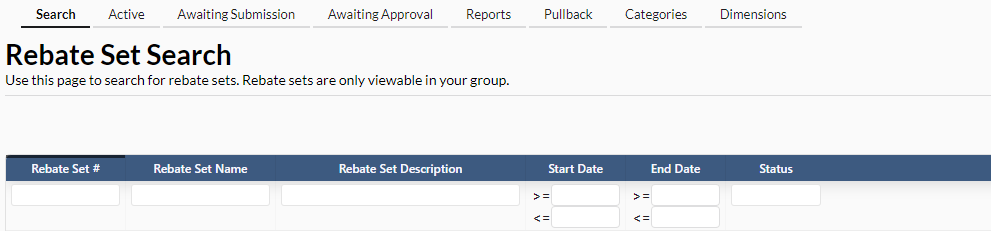
- User can use the search parameters as below:
- Rebate Set#
- Rebate Set Name
- Rebate Set Description
- Start Date & End Date
- Status
2. Active Rebate Set
- To view active rebate set, navigate to Rebate -> Active
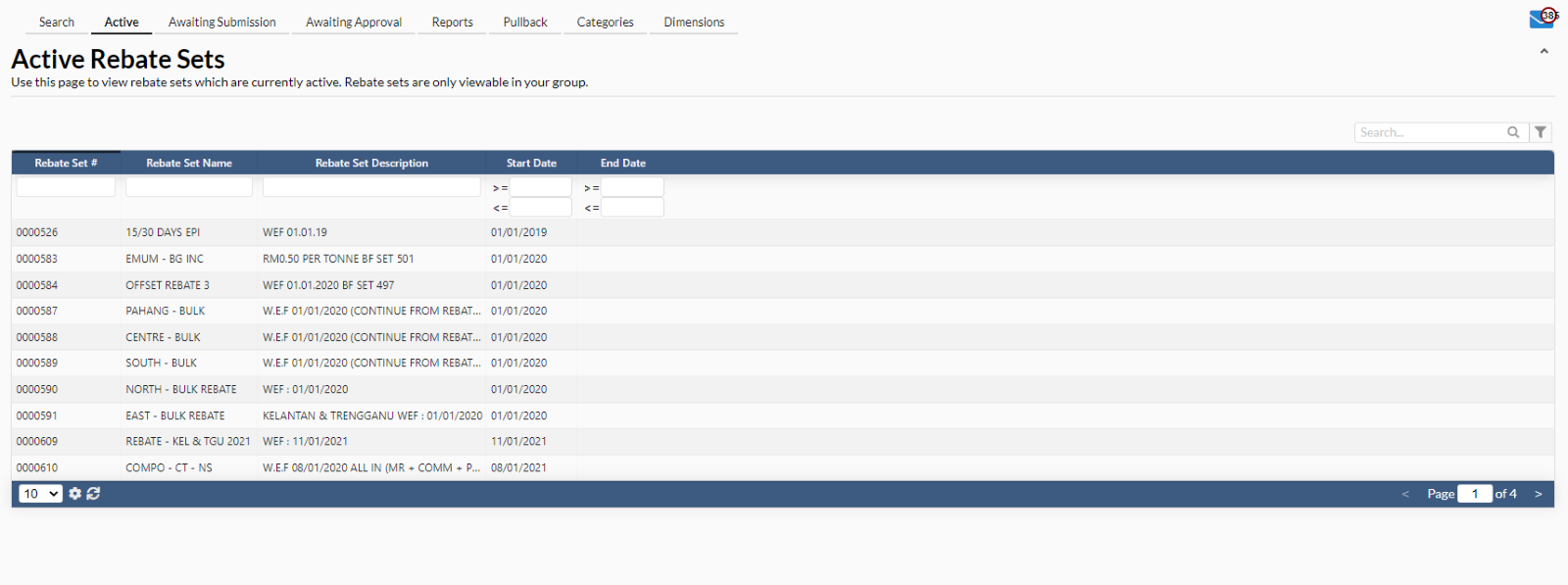
- A new dialog box will appear for user to view active rebate set info.
- Click on “Update Rebate Set”.
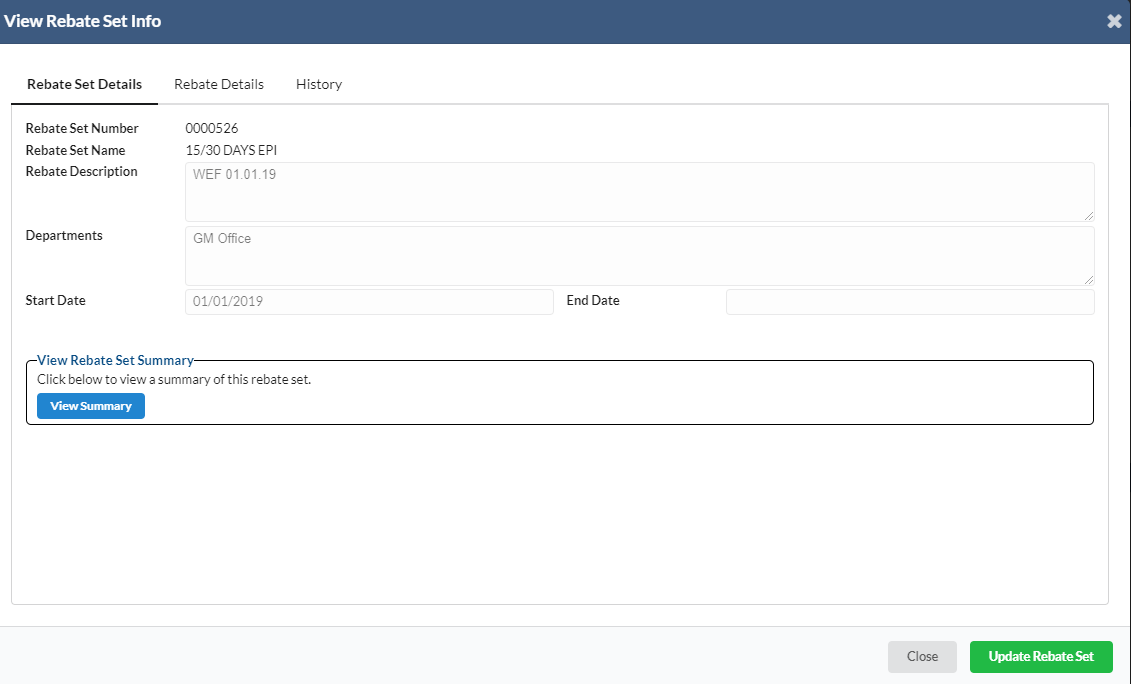
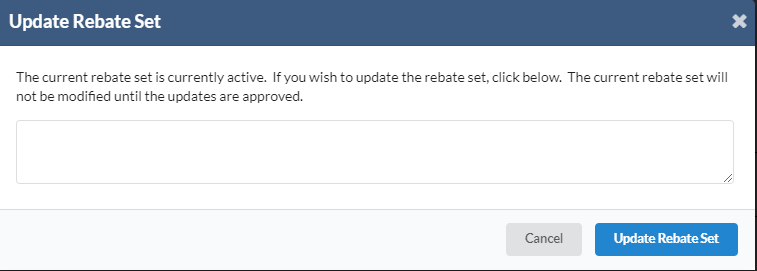
- A new dialog box will appear for user to update rebate set.
3. Awaiting Submission
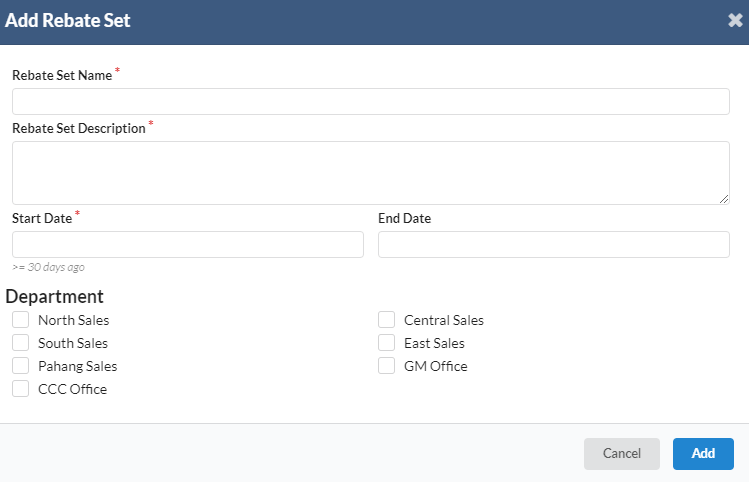
- To create new rebate set, navigate to Rebate -> Awaiting Submission -> click on “Create New Rebate Set”
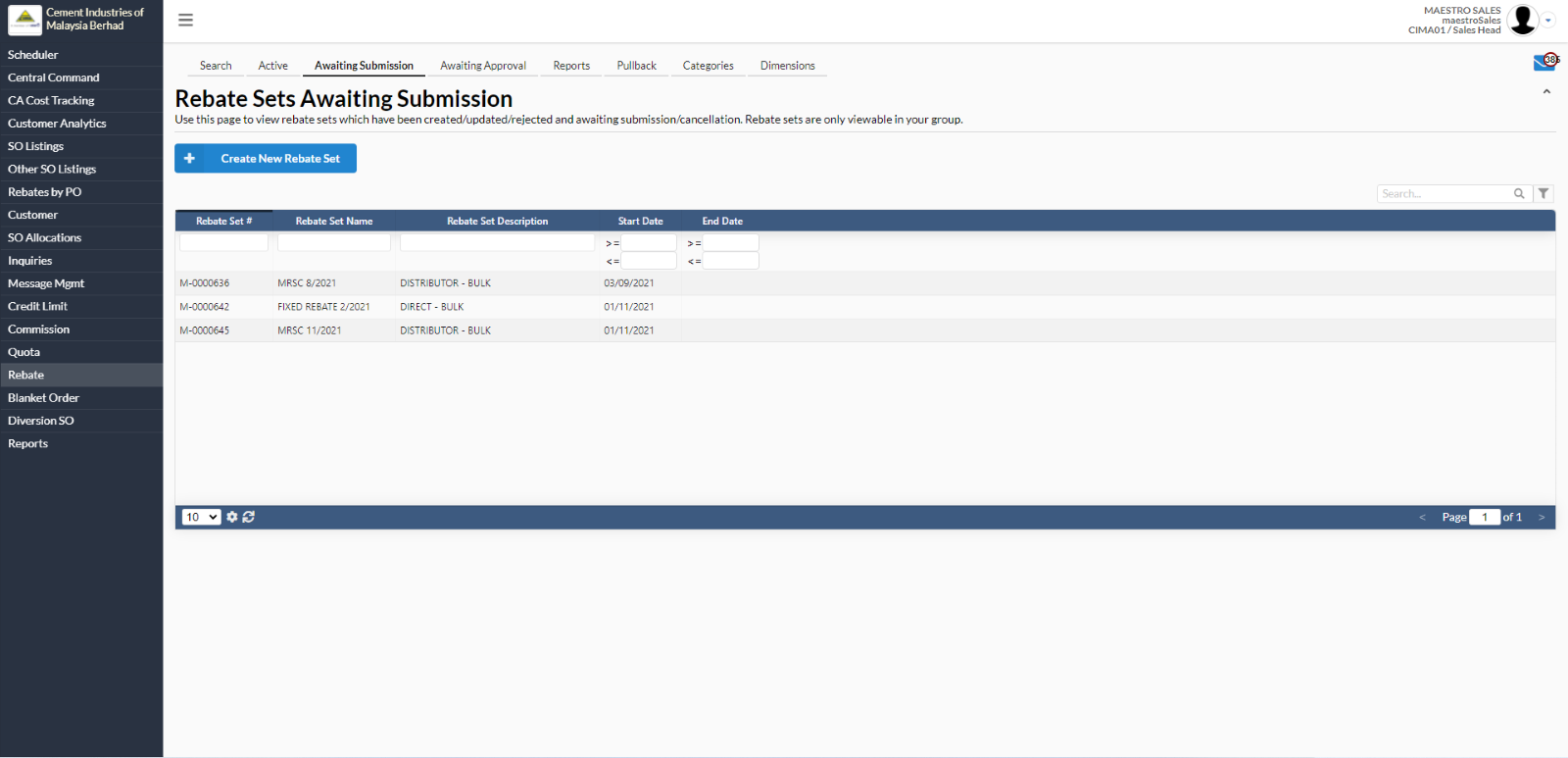
- A new dialog box will appear for user to add rebate set.
- Fill in all the required fields. Click on “Add” to create a new rebate set.
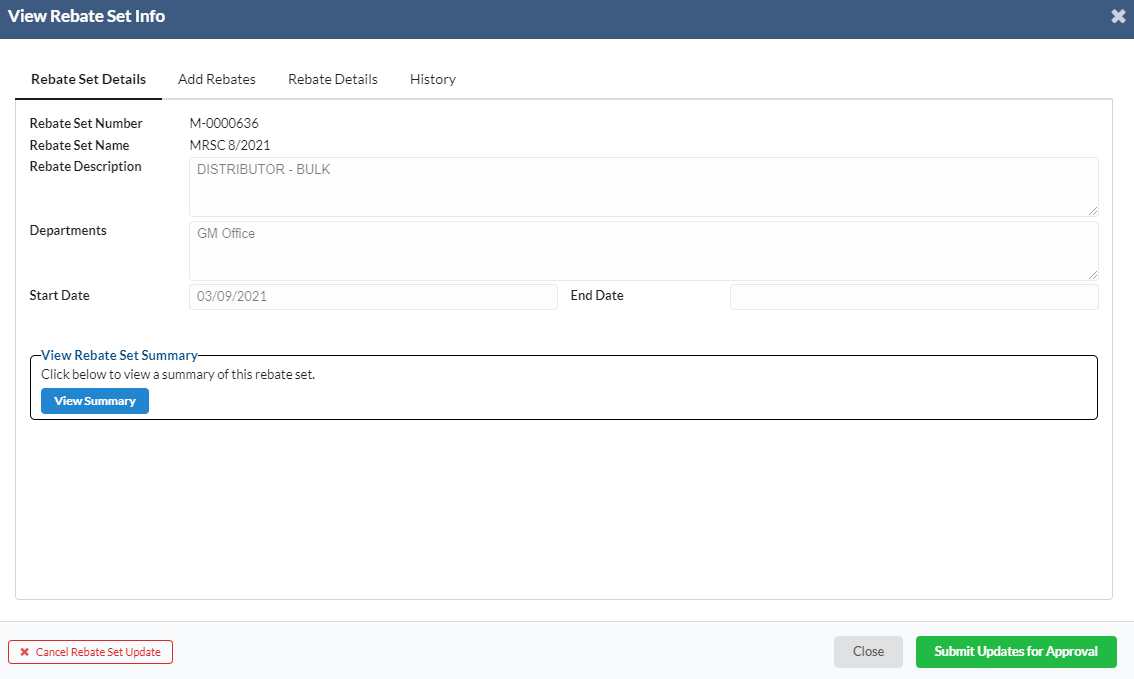
- To view/edit, user needs to select any rebate set name.
- A new dialog box will appear for user to view/submit updates for approval by clicking on “Submit Updates for Approval”.
- If user wants to delete the updates, click on “Cancel Rebate Set Update”.
4. Categories
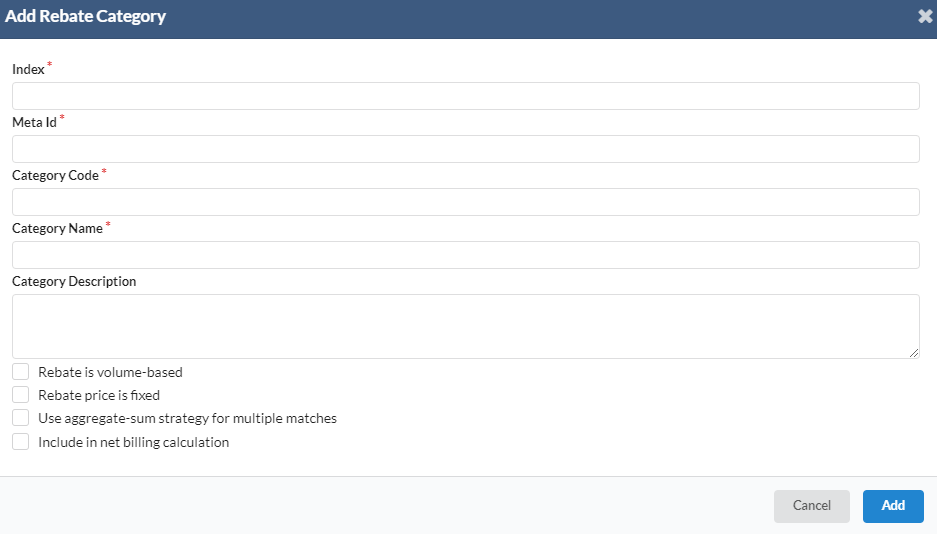
- To add new rebate categories, navigate to Rebate -> Categories -> click on “Add New Rebate Category” button.
- A new dialog box will appear for user to add rebate category
- Fill in all the required fields. Click on “Add” to add new rebate category.
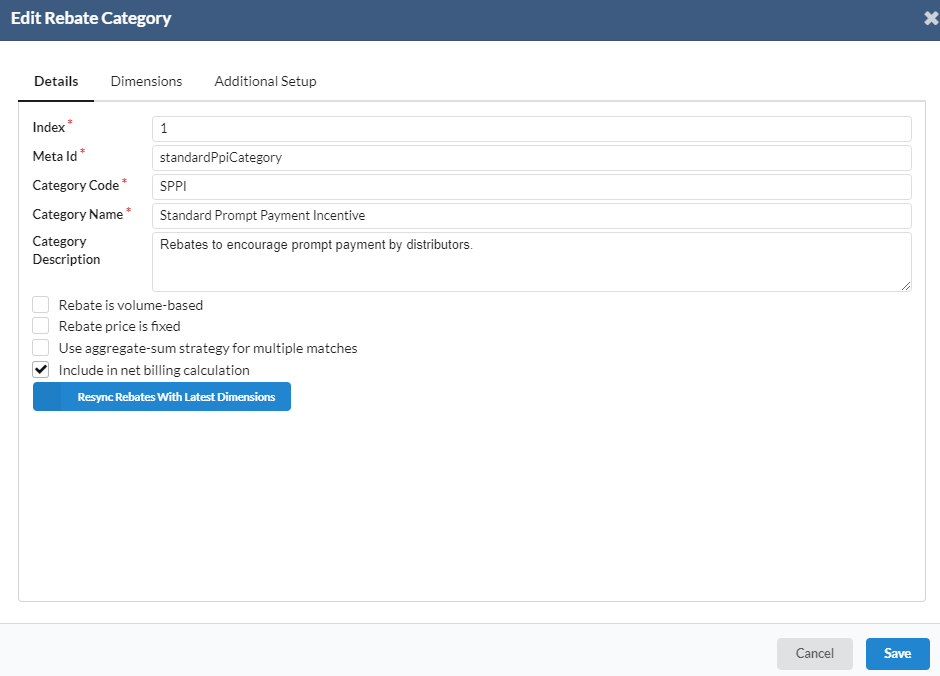
- To view/edit, user needs to select any rebate set name.
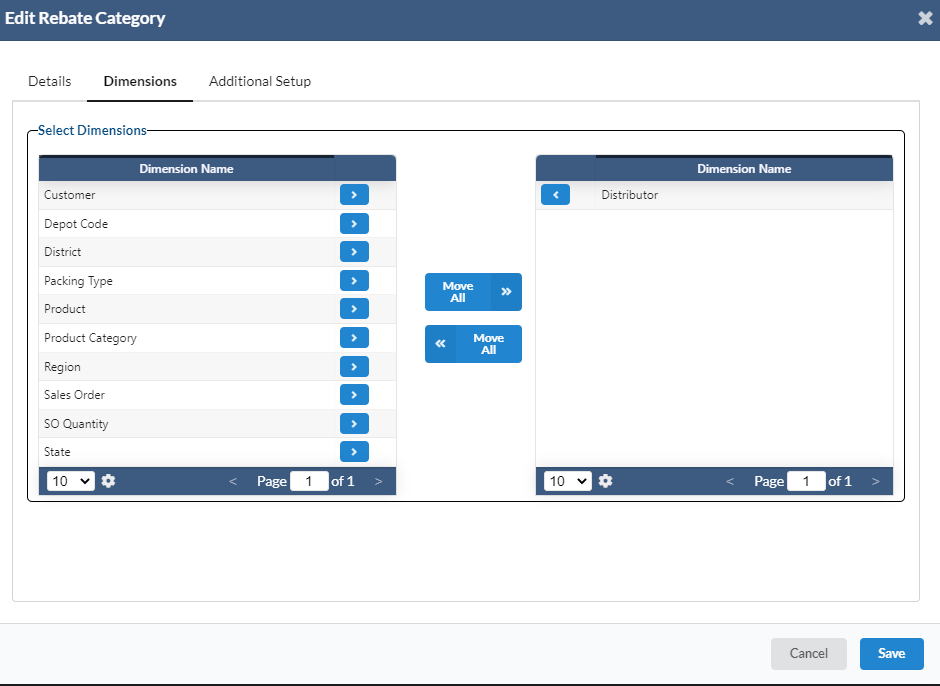
- A new dialog box will appear for user to edit the rebate category.
- Click on “Save” to save the changes.
- In Dimensions tab, user can select any dimension by clicking the arrow.
- The user can also move all the dimensions by clicking on “Move All” button.
5. Dimensions
- To add new rebate dimension, navigate to Rebate -> Dimensions -> click on “Add New Rebate Dimension”.
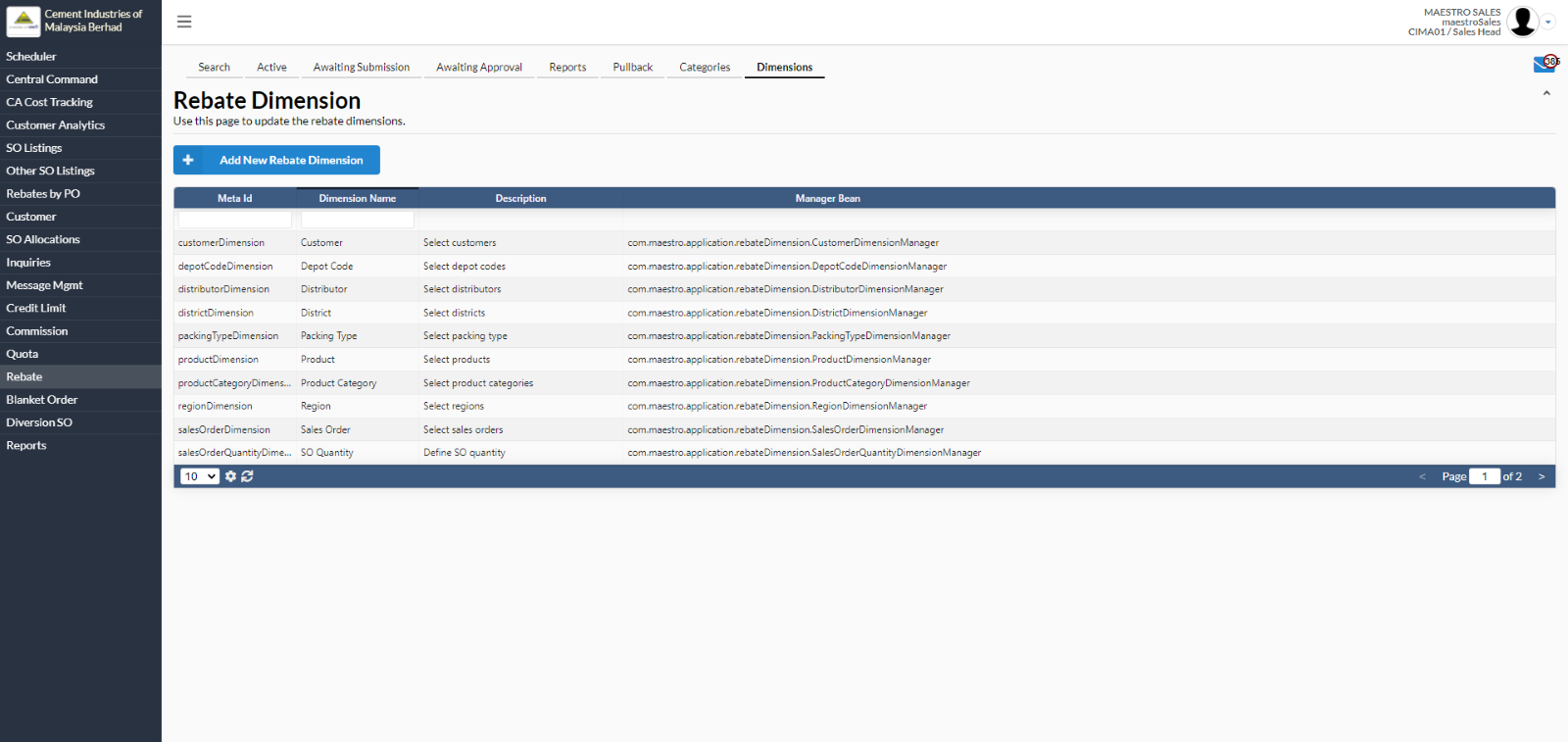
- A new dialog box will appear for user to add new rebate dimension
- Fill in all the required information. Click on “Add” button.
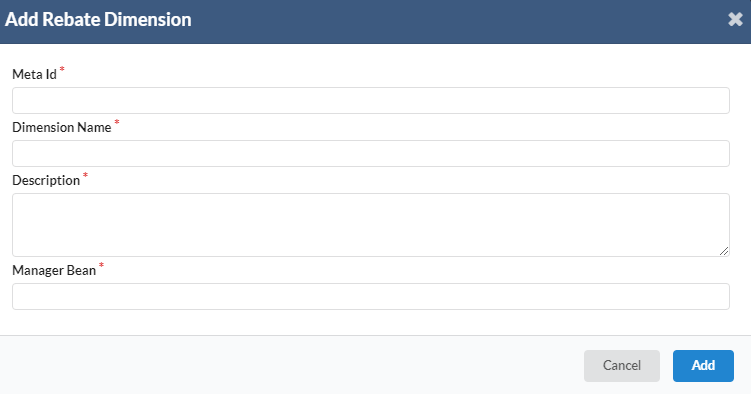
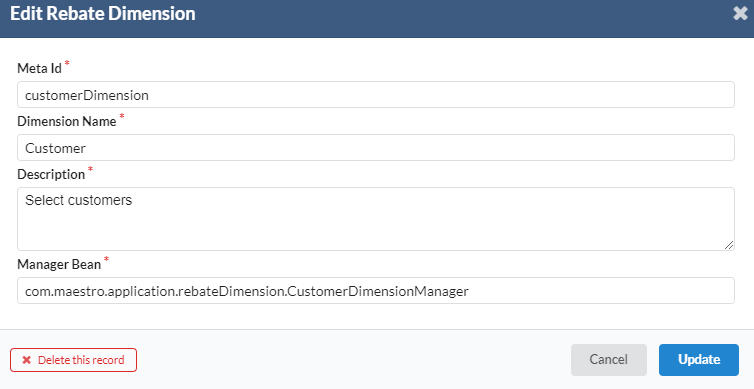
To edit rebate dimension, user needs to select any rebate dimension.
A new dialog box will appear for user to view/edit rebate dimension particular information.
Click on “Update” to save any changes.
If user wants to delete the record, click on “Delete this record”.