1. Debtor Commission
- User can search by using search parameters as below:
- Debtor Code
- Debtor Name
- Any Address Line
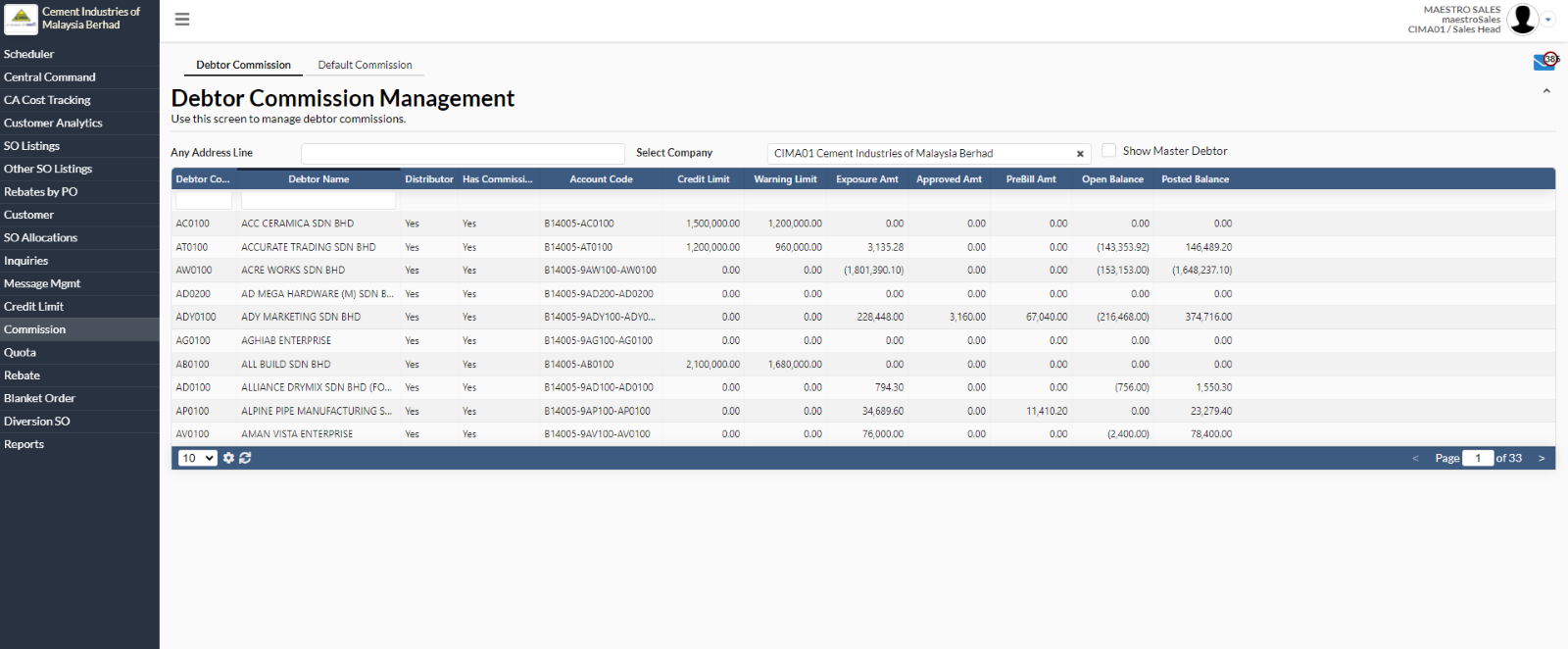
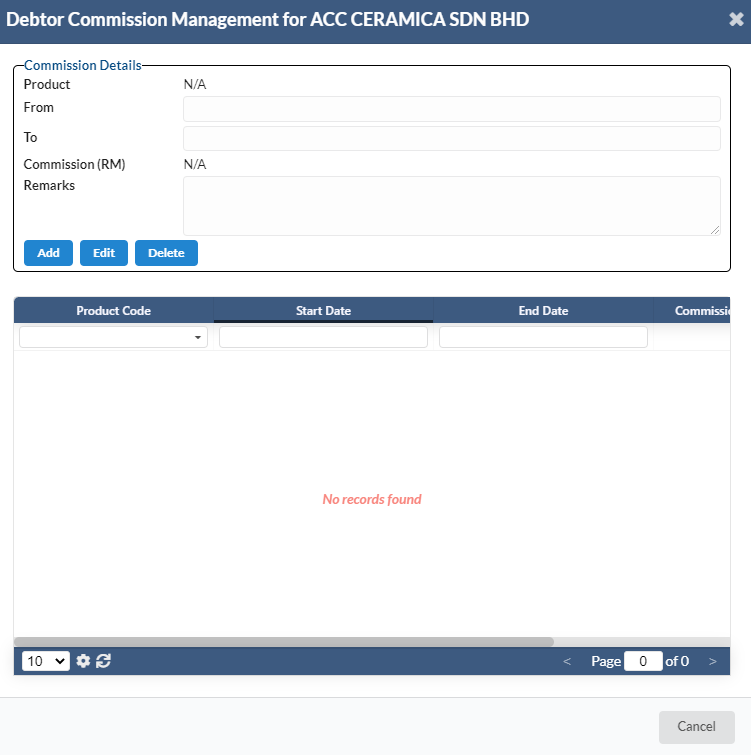
- To view/add/edit/delete debtor commission management, select at any debtor name.
- A new dialog box will appear for user to add, edit and delete.
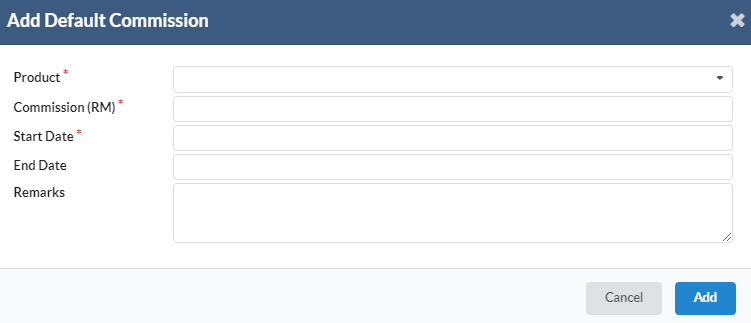
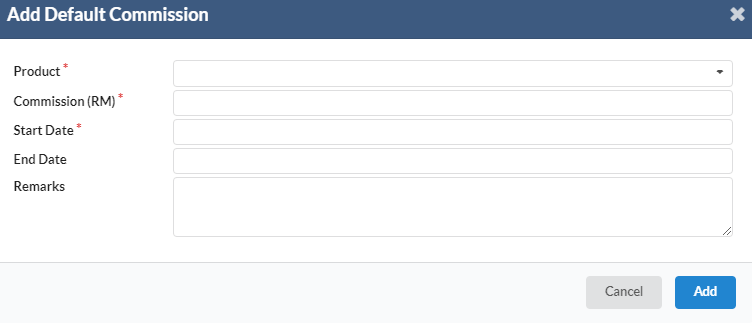
- A new dialog box will appear for user to ass default commission.
- Click on “Add” button to add new commission.
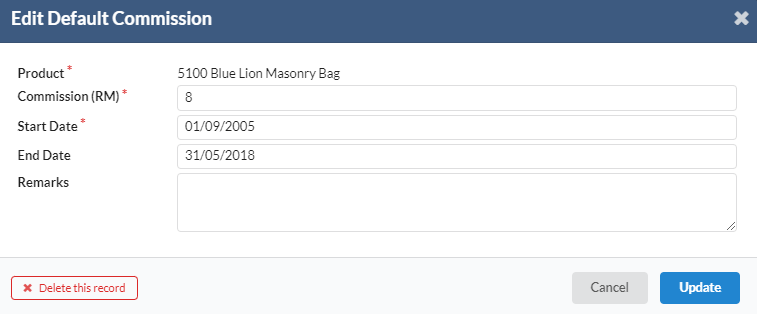
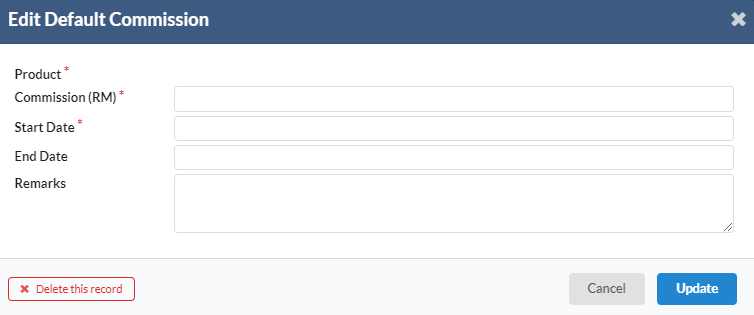
- A new dialog box will appear for user to edit default commission.
- Click on “Update” to save the changes.
- If the user wants to delete record, click on “Delete this record”.
2. Default Commission
- To add new commission, navigate to Commission -> Default Commission.
- Click on “New Commission”.
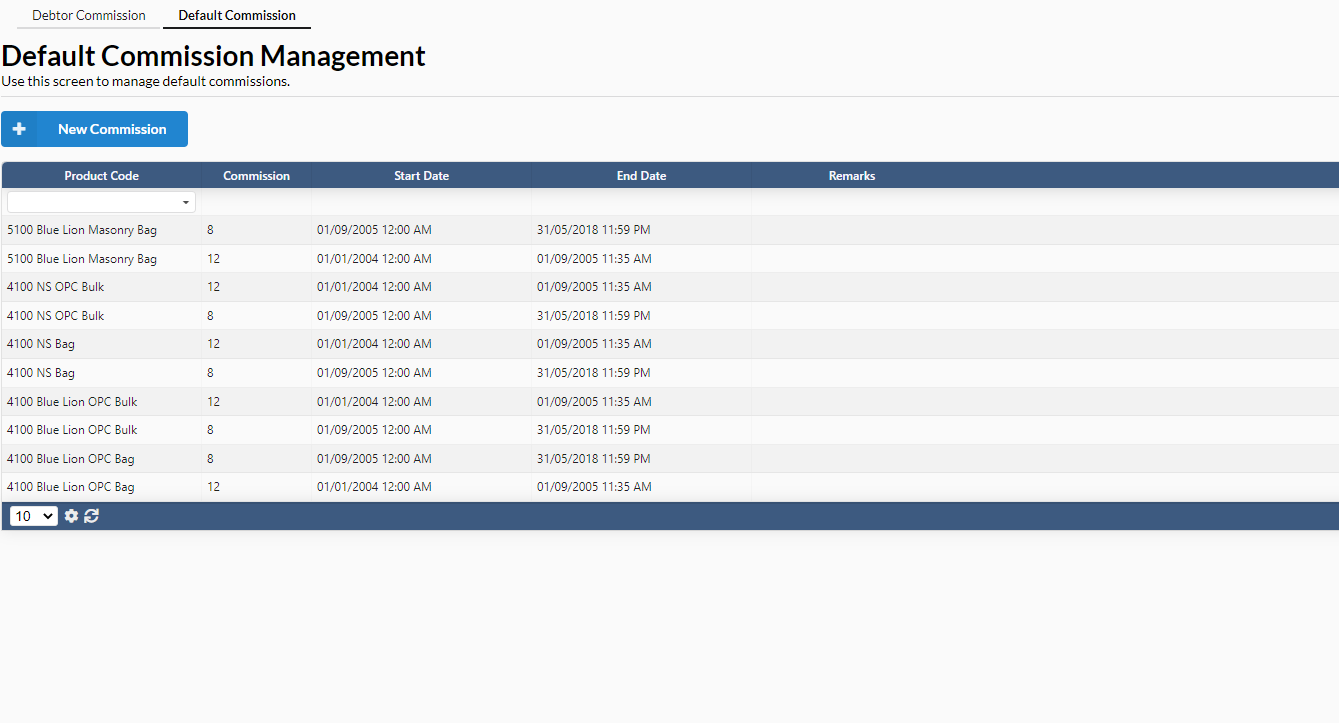
- A new dialog box will appear for user to add default commission.
- Fill in all the required information. Click on “Add” to add commission.
- To edit default commission, user needs to select any commission.
- A new dialog box will appear for user to edit the commission particular information.
- Click on “Update” to save changes/
- If user wants to delete the record, click “Delete this record” to remove the record.