1. CL Change Enquiry
- To search debtor name, user can use search parameters as below:
- Debtor Code
- Debtor Name
- Company No
- Contact Person
- Nature of Business
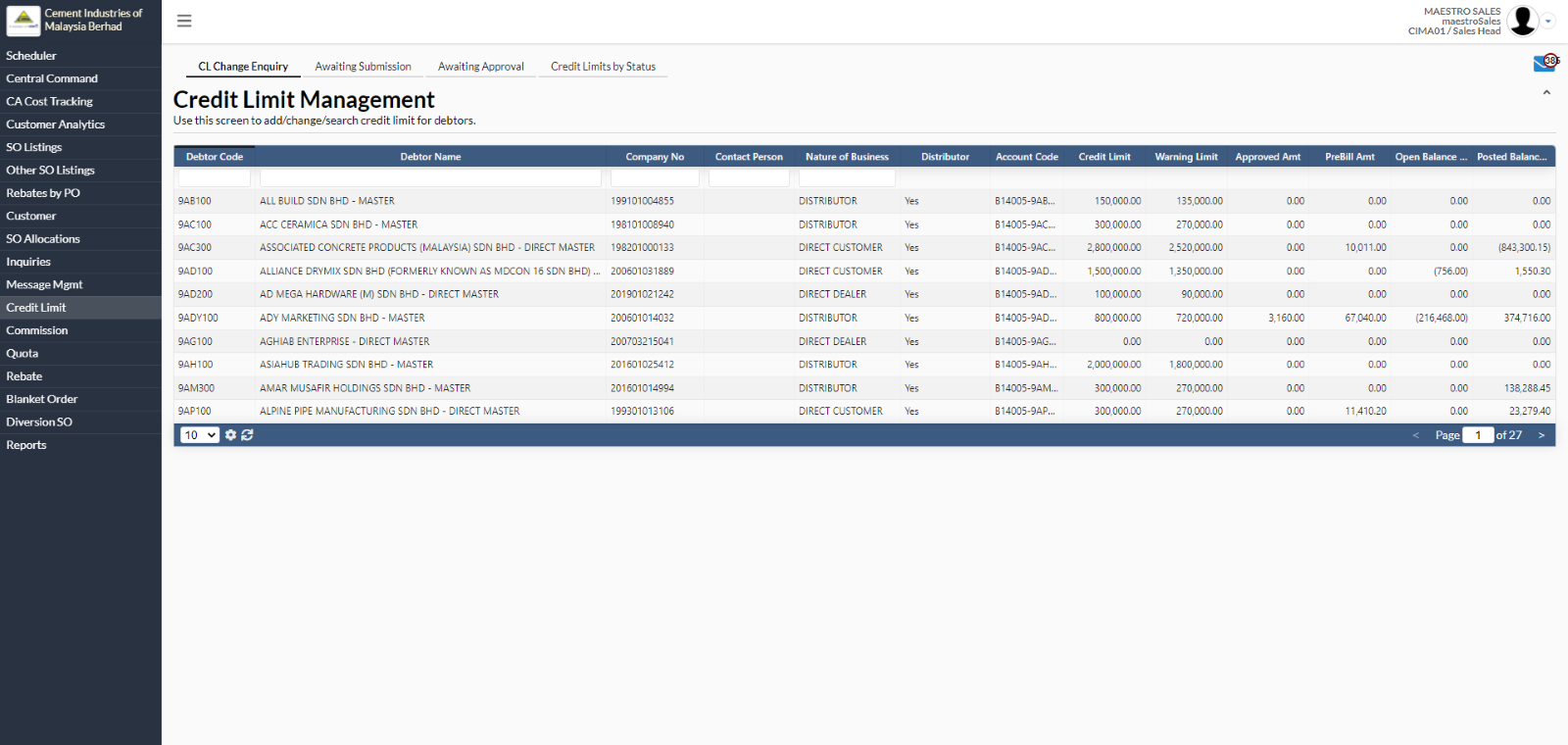
- To view credit limit information for particular debtor, user needs to select at any debtor name.
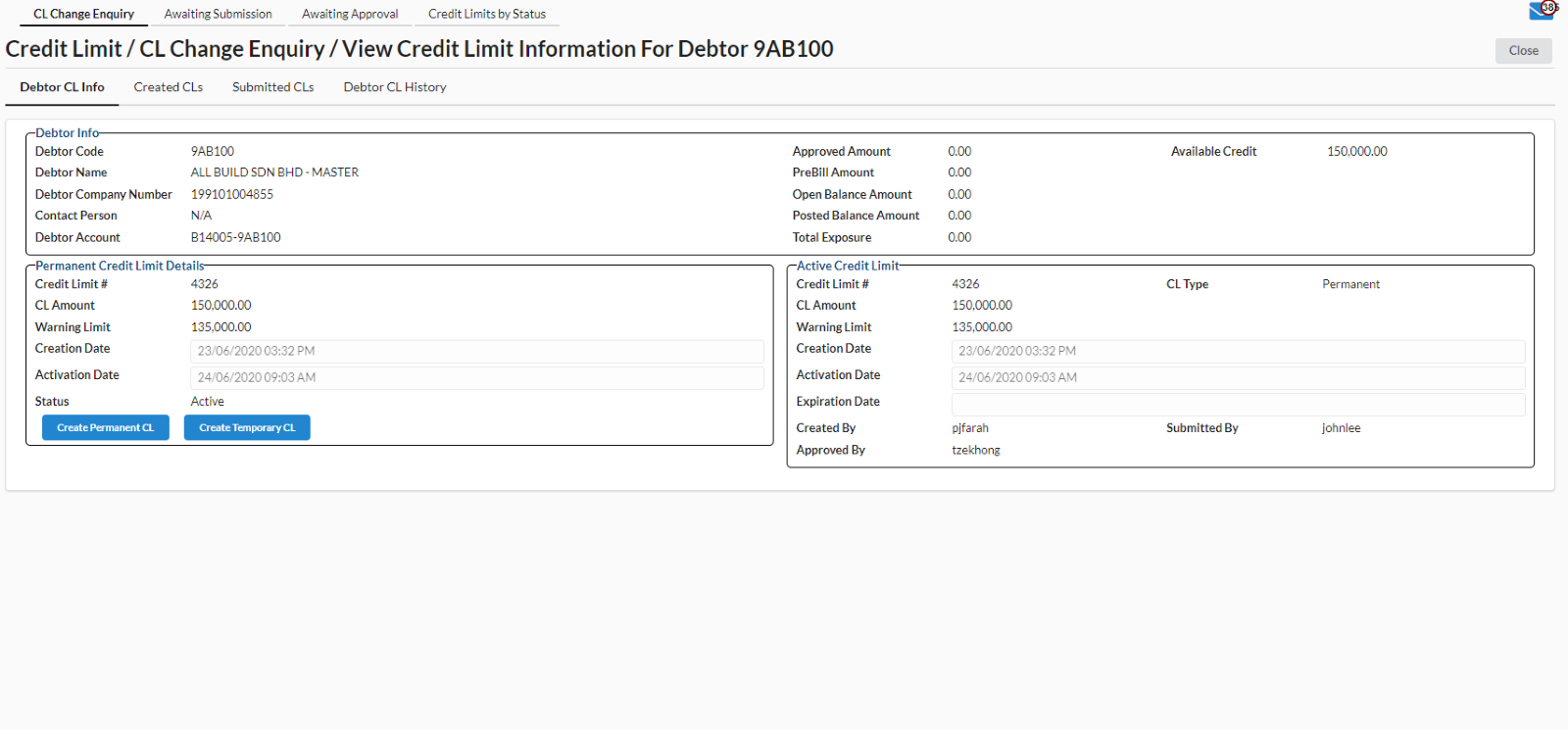
- A new page will appear for user to view credit limit information.
- User can also create permanent/temporary credit limit by clicking on “Create Permanent CL” or “Create Temporary CL”.
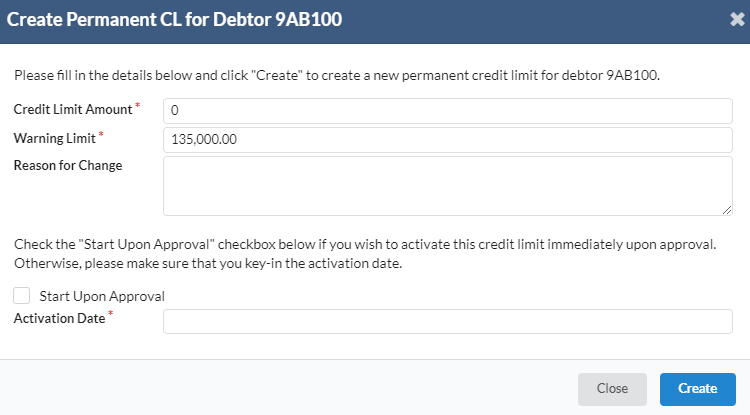
- A new dialog box will appear for user to create the permanent CL for debtor.
- Fill in all the required field. Then, click “Create” to create the permanent CL.
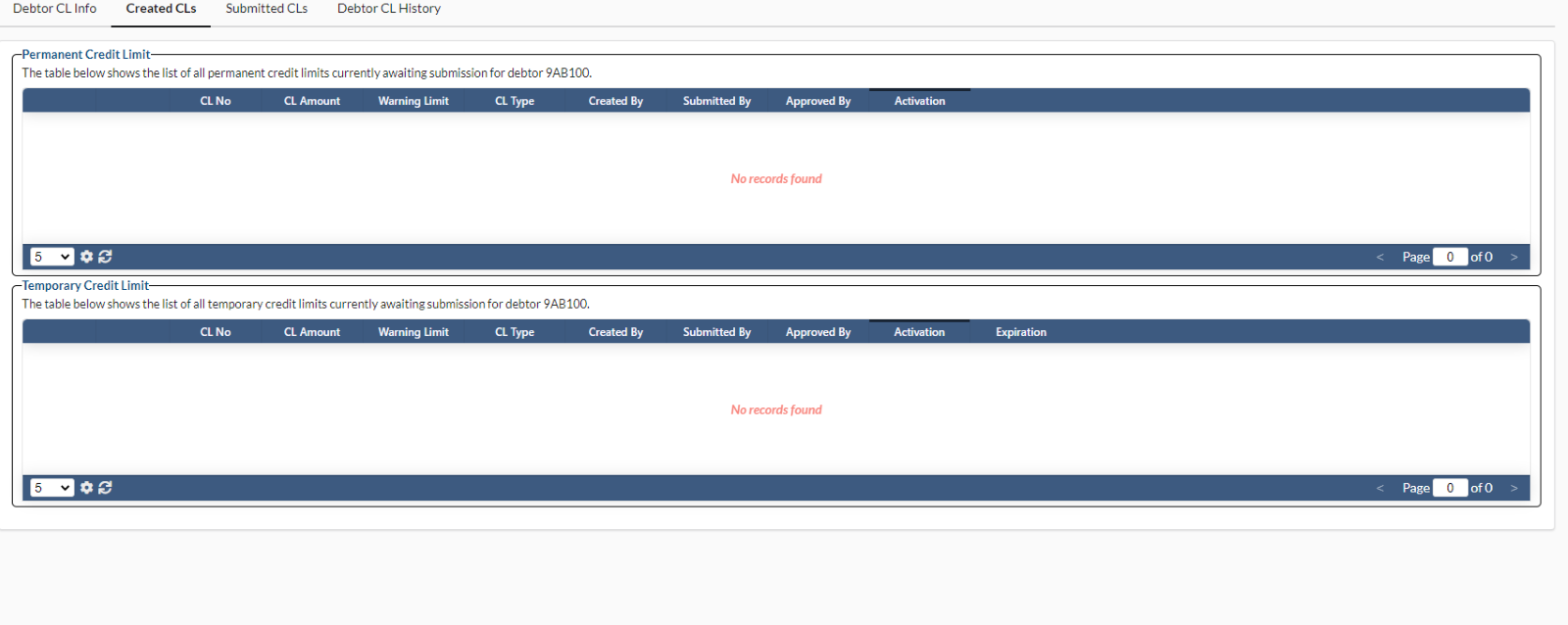
- All the created permanent/temporary credit limits will be posted under the Created CLs tab
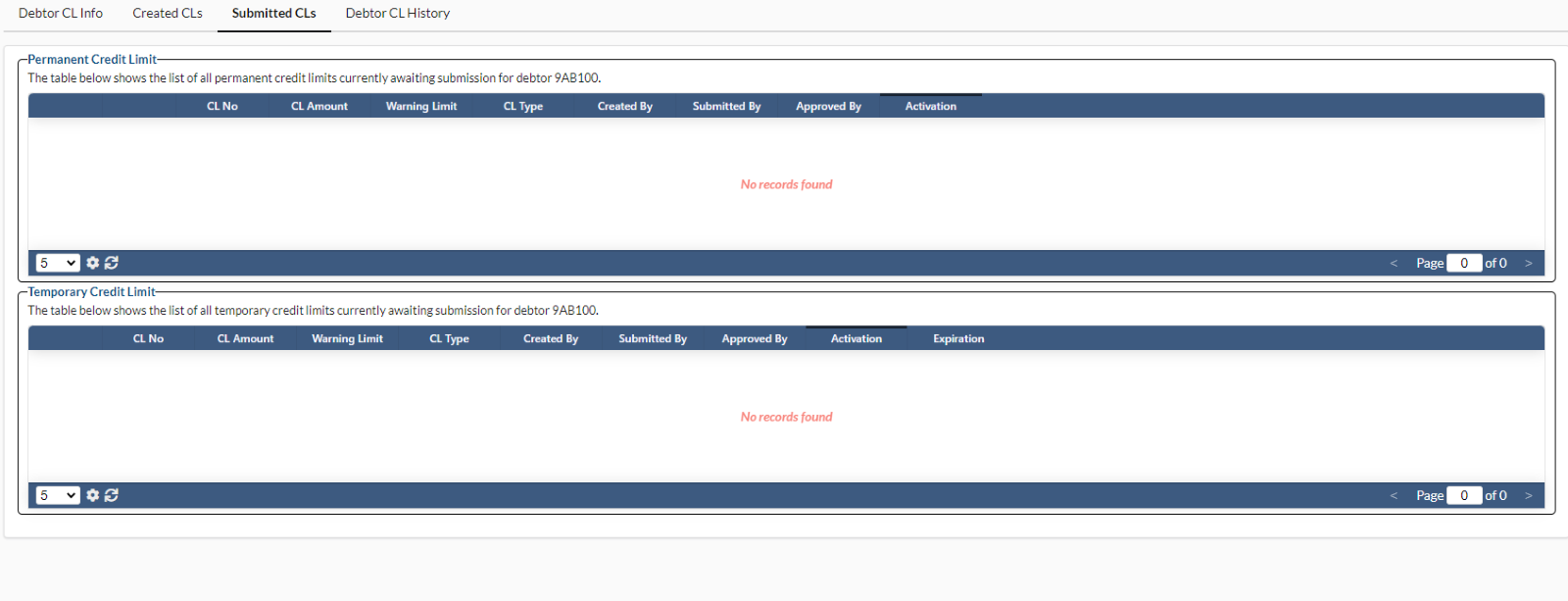
- All the submitted permanent/temporary credit limits will be posted under Submitted CLs tab.
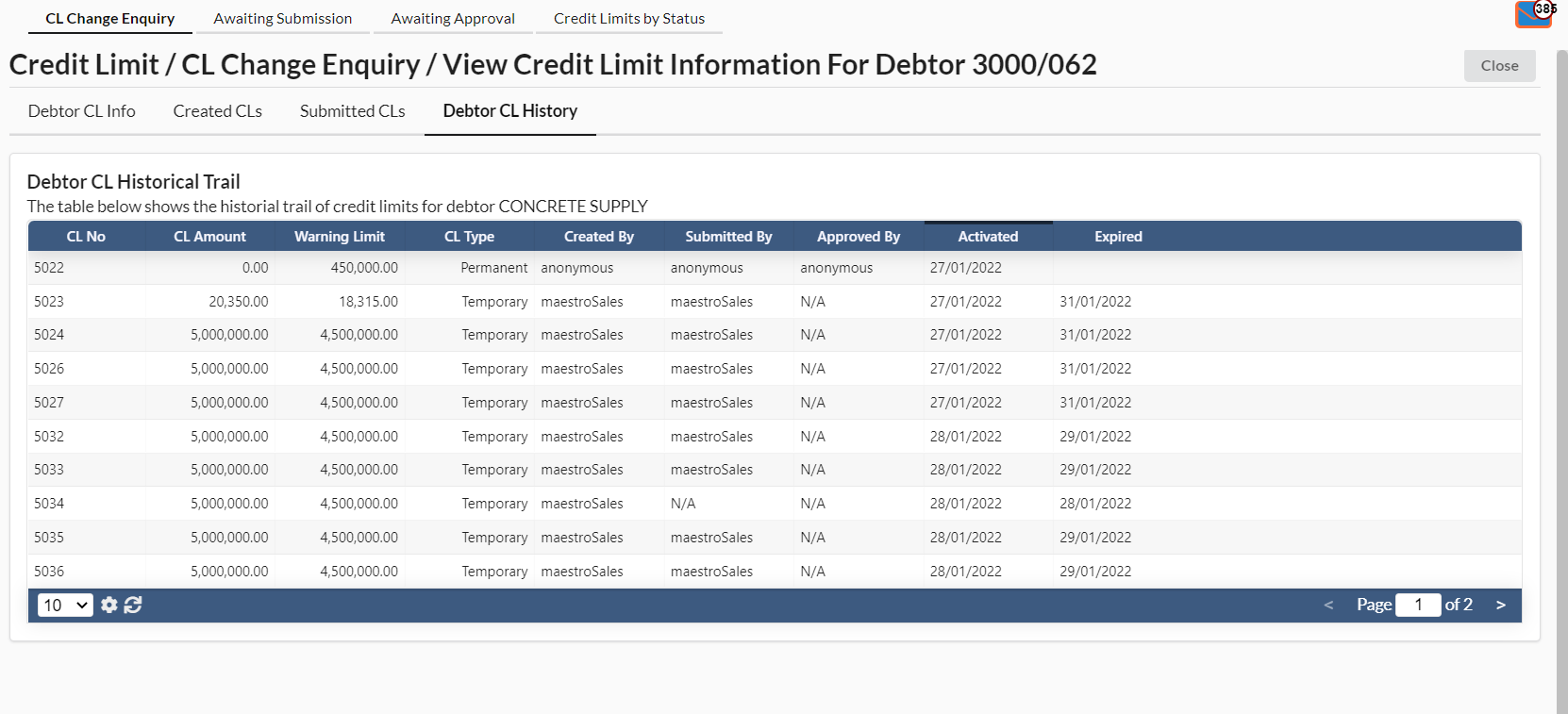
- All the history of credit limits for the particular debtor will be showed under Debtor CL History tab.
2. Awaiting Submission
- To view credit limit information, user has to select at any debtor name.
- User can search debtor name by using search parameters as below:
- Debtor Code
- Debtor Name
- CL #
- Created By
- Creation Date
- Activation Date
- Expiration Date
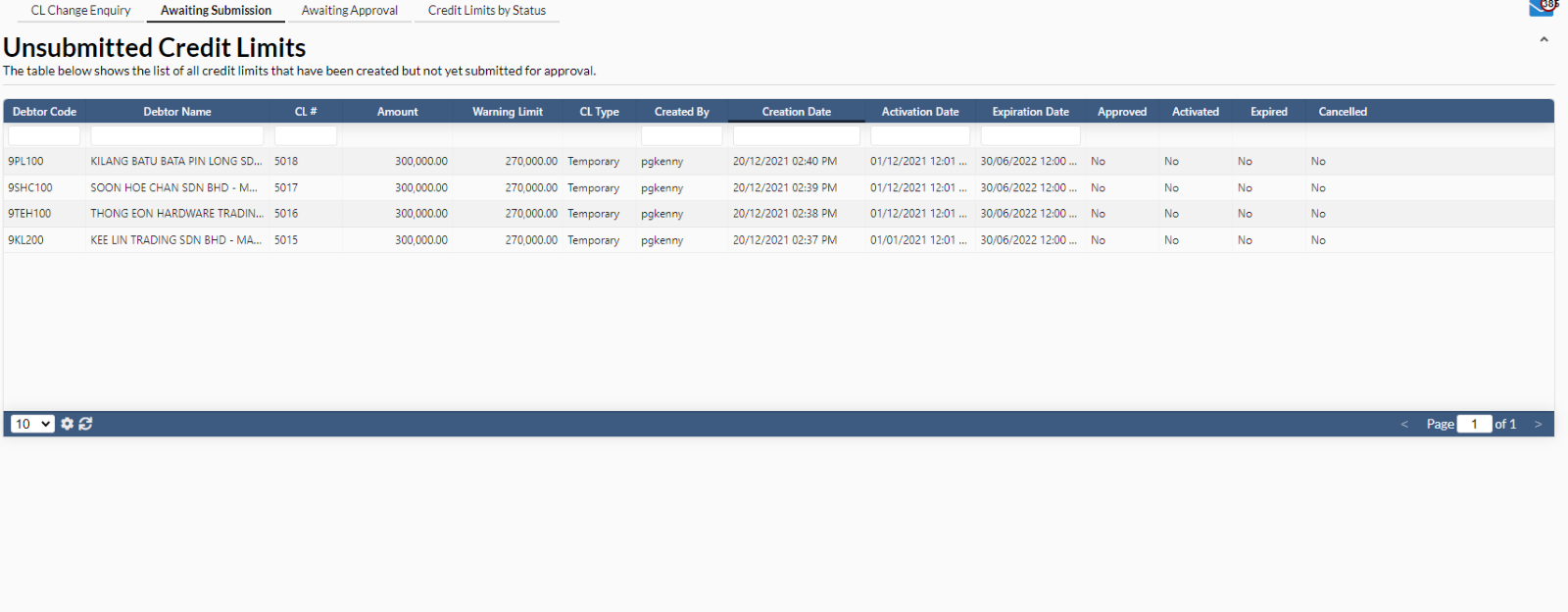
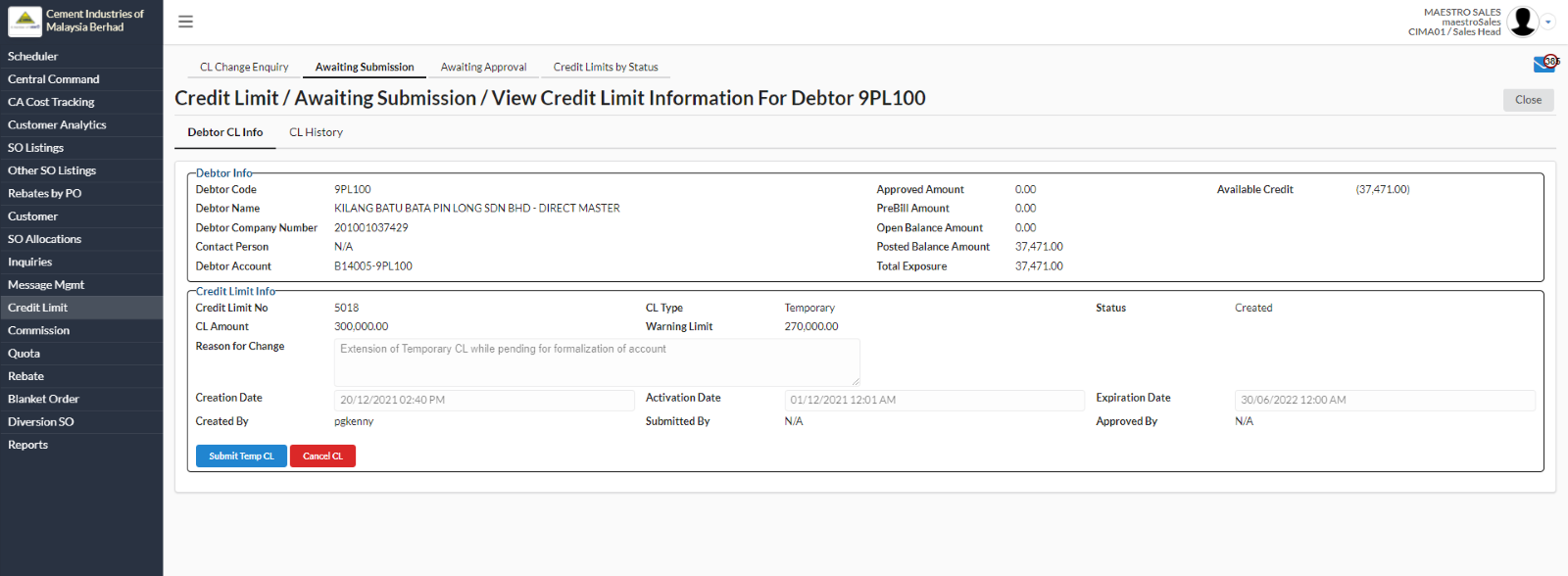
- A new page will appear for user to view the credit limit information under Awaiting Submission tab.
- User can submit temporary CL by clicking on “Submit Temp CL” or cancel the CL by clicking om “Cancel CL” button.
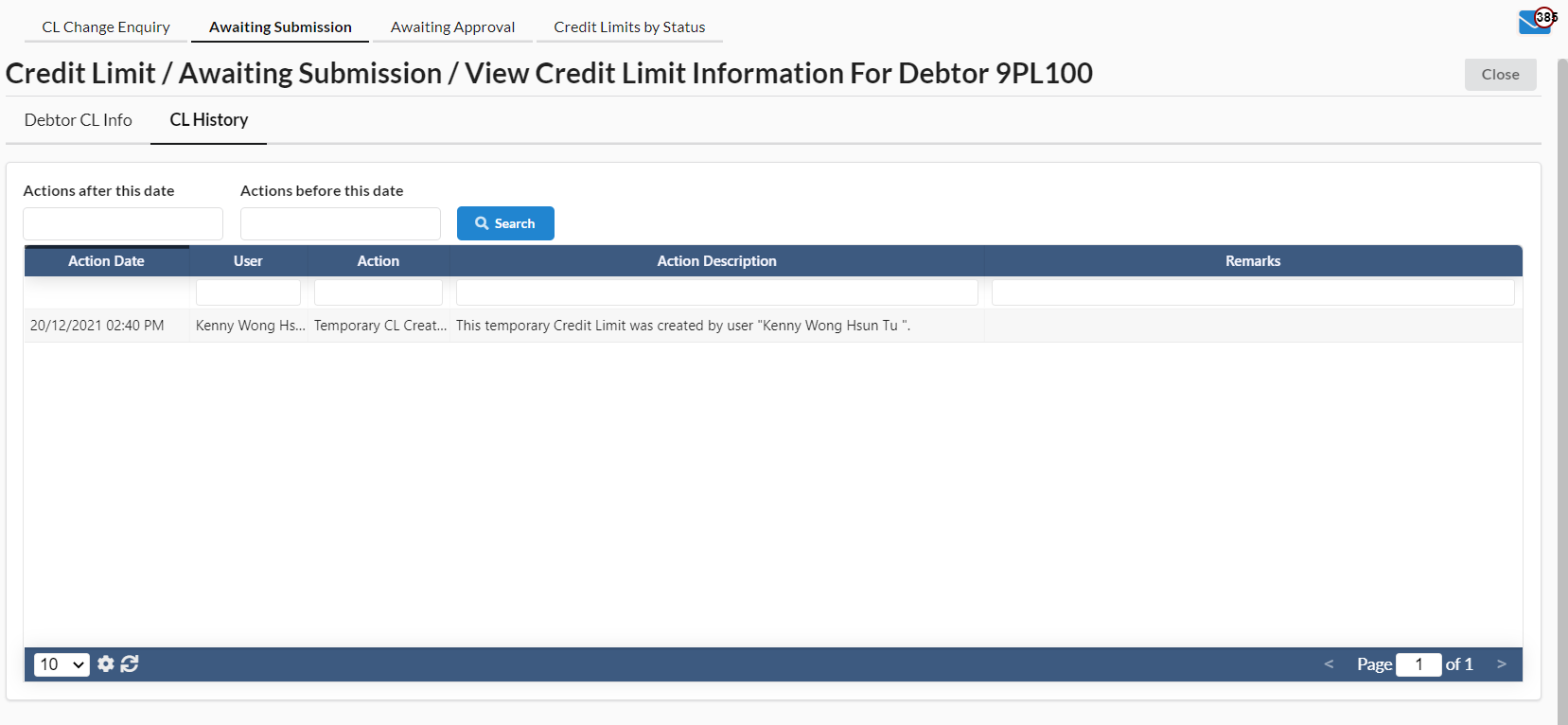
- All the history for Debtor CL under Awaiting Submission will be showed under "CL History" tab.
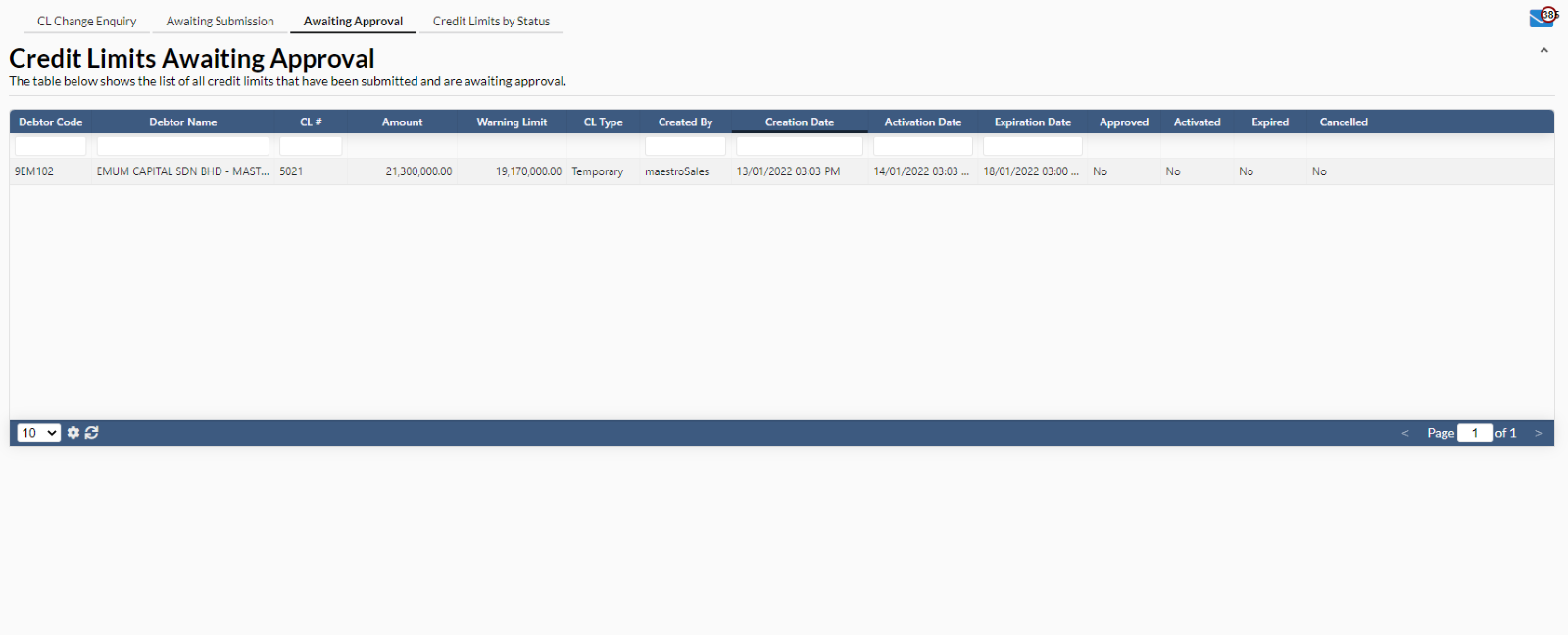
3. Awaiting Approval
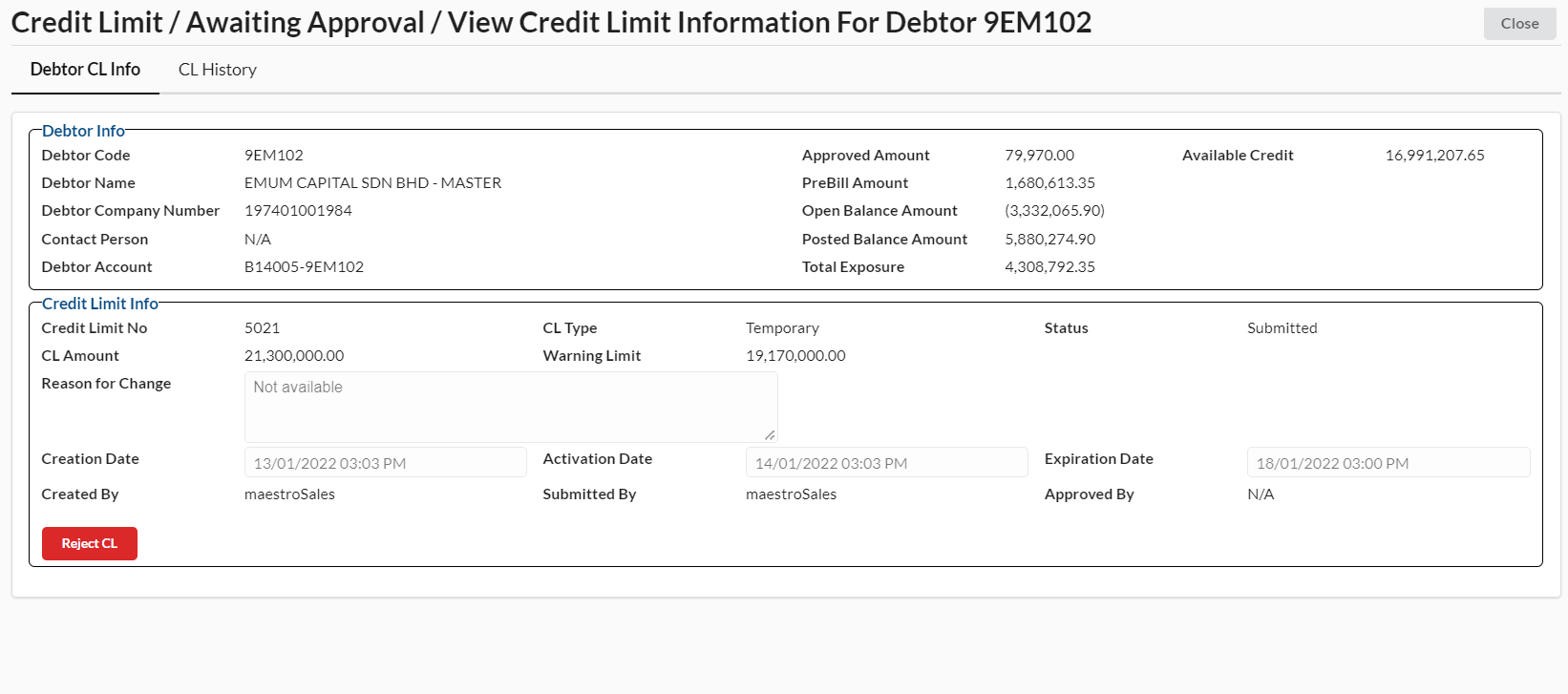
- In Awaiting Approval tab, user has to select at any debtor name.
- User can reject the credit limit by clicking on “Reject CL” button.
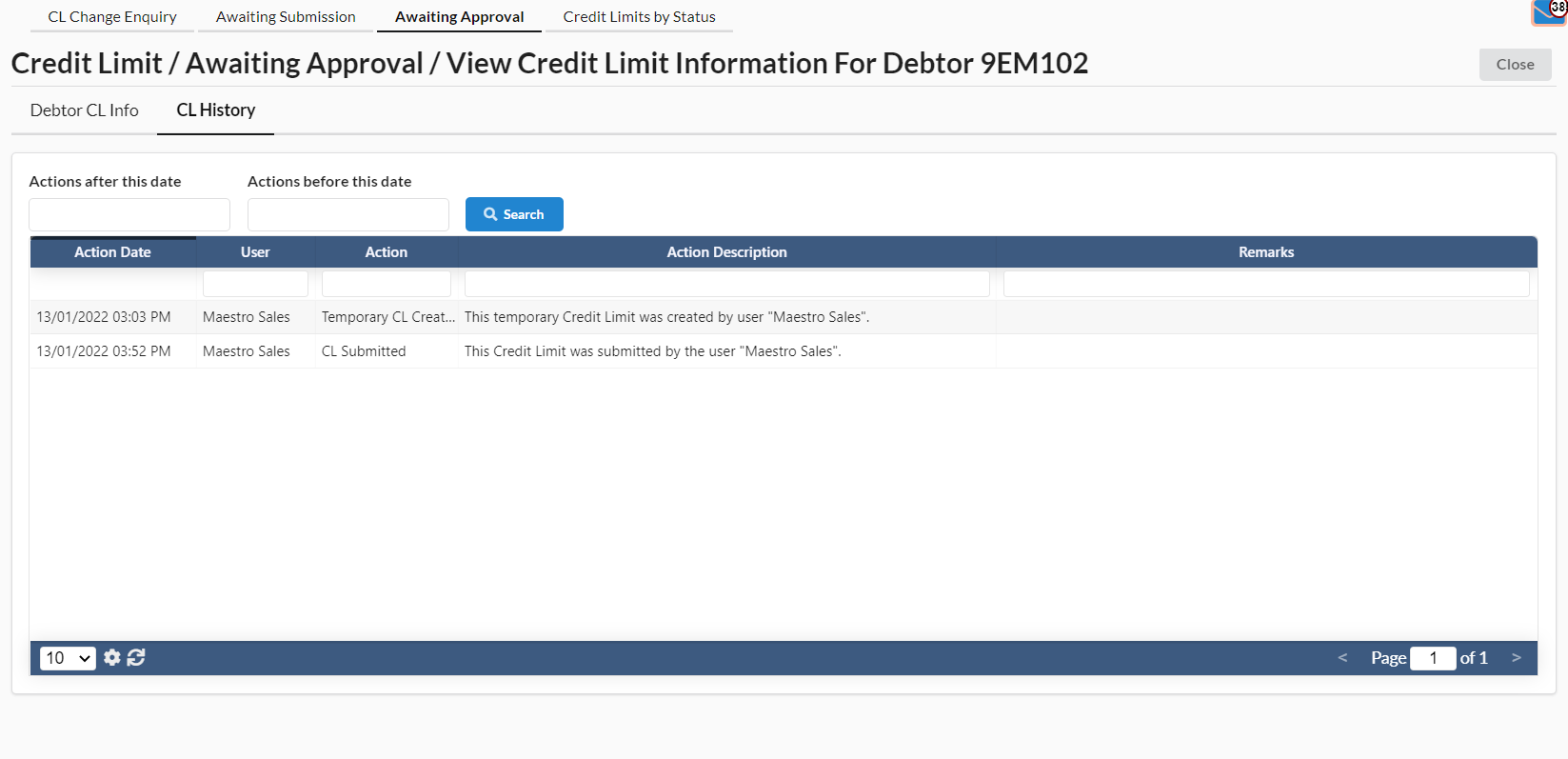
- All the history for Debtor CL under "Awaiting Approval" tab will be showed under CL History tab.
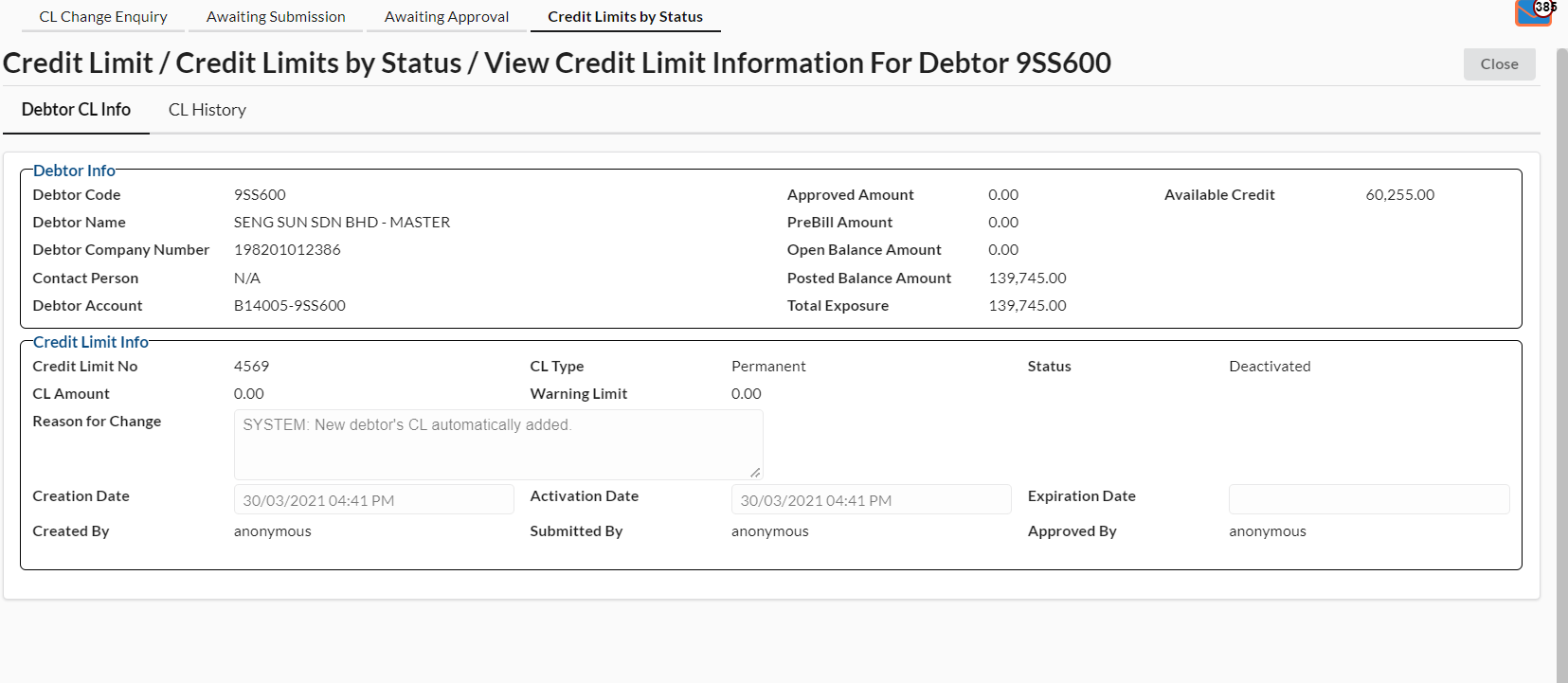
4. Credit Limit by Status
- User can search credit limit status by clicking on the bar next to Credit Limit Status.
- To view credit limit information, select any debtor name.
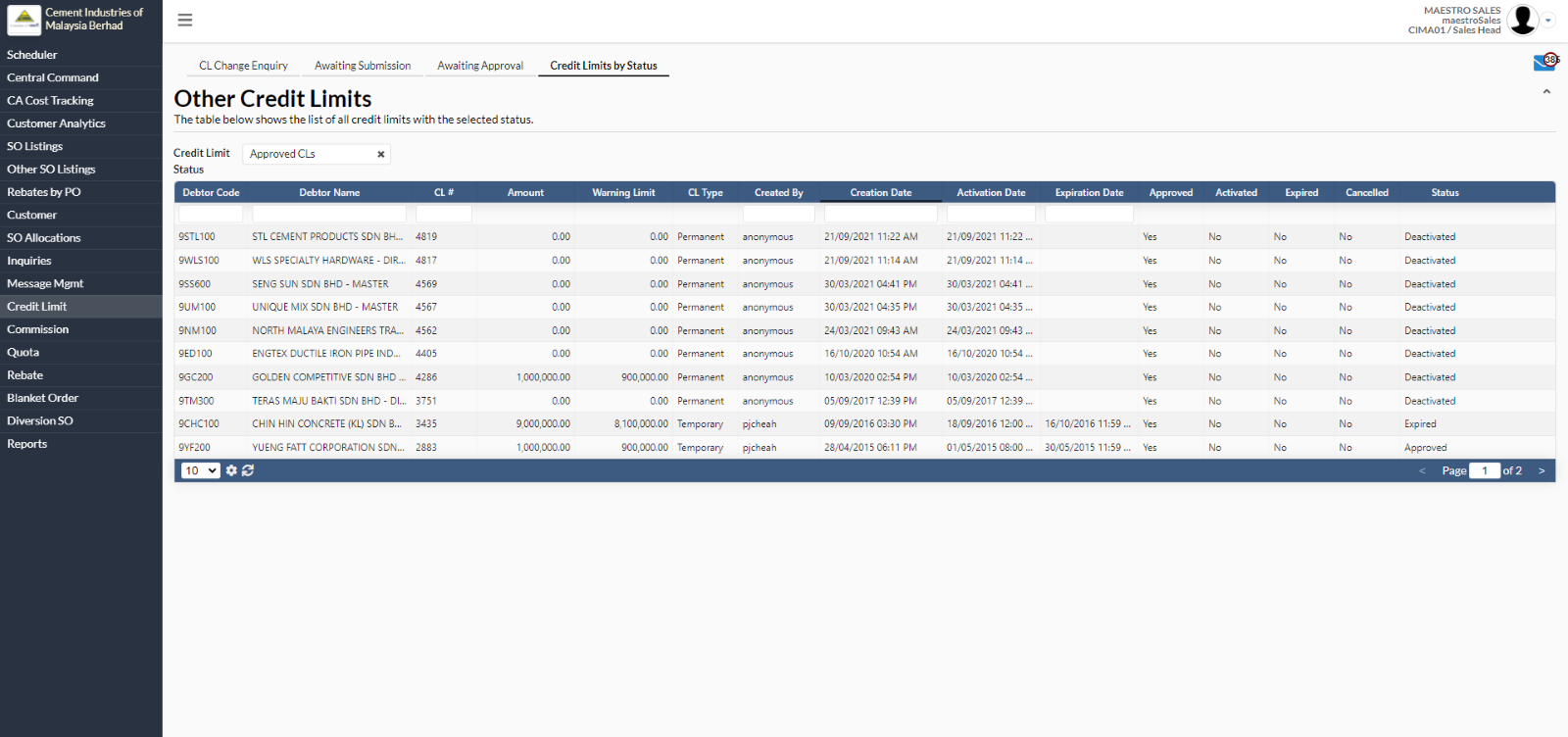
- A new page will appear for user to view the credit limit information for the particular debtor.