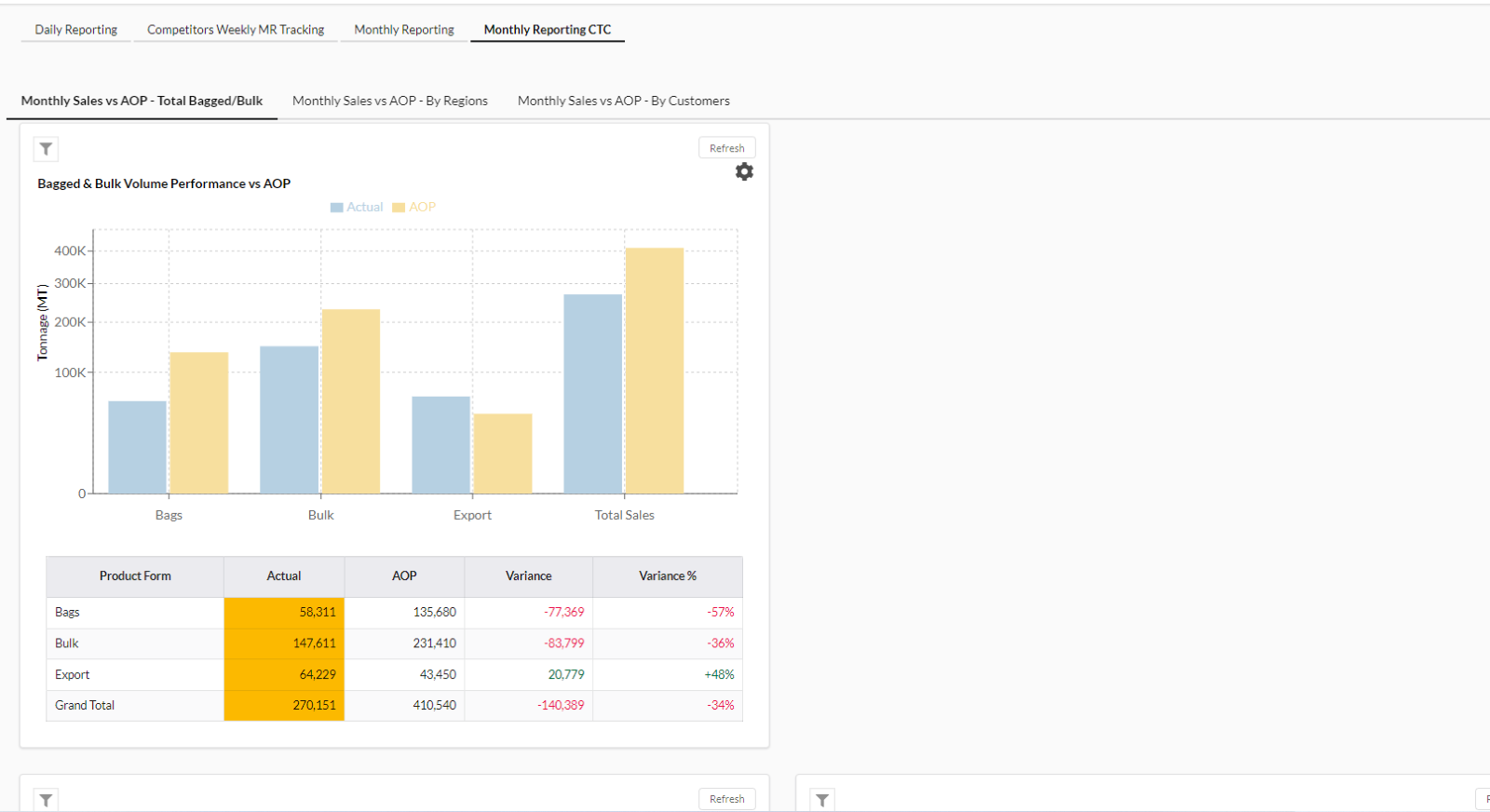
1. Customer Analytics
In Customer Analytics page, there are four views (top navigation buttons) which are available on this page, they are:
- Daily Reporting
- Competitors Weekly MR Tracking
- Monthly Reporting
- Monthly Reporting CTC
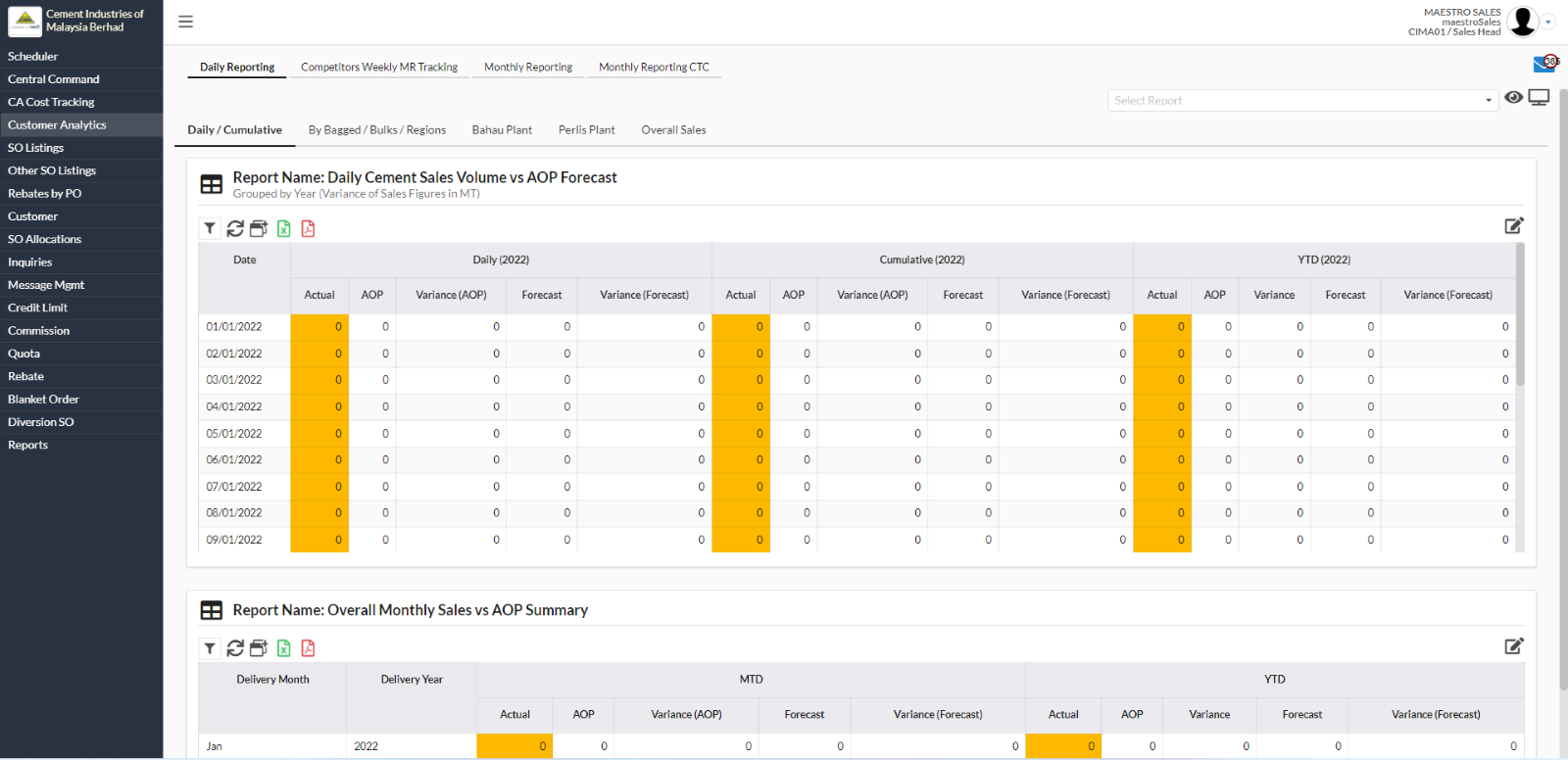
1.1. Daily Reporting
- Under Daily Reporting tab, there are four views which are:
- Daily/Cumulative
- By Bagged/Bulks/Regions
- Bahau Plant
- Perlis Plant
- Overall Sales
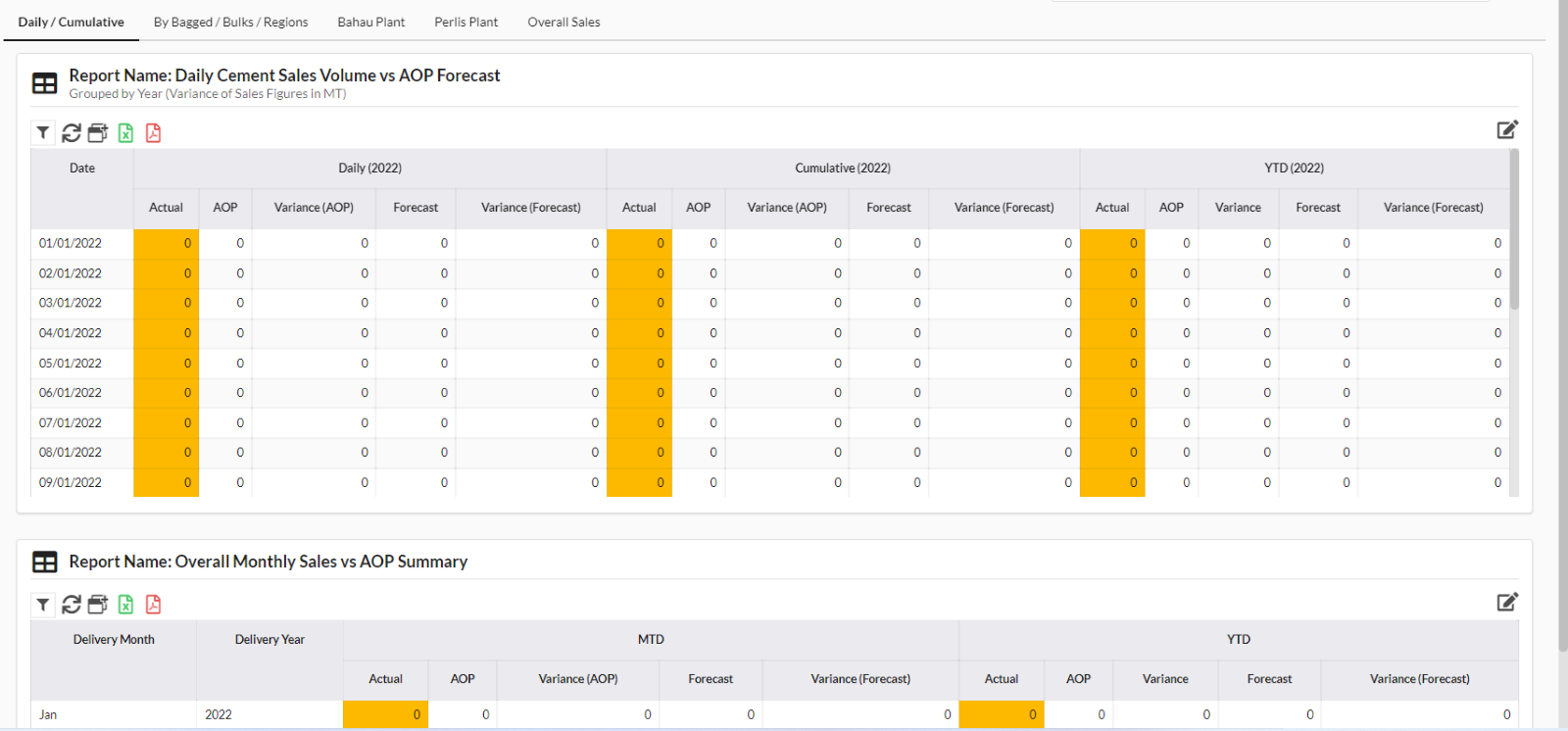
- User can search report name by clicking on the “Select Report” bar.
- User can also click on the eye icon to change either advance mode or view mode.

1.2. Competitors Weekly MR Tracking
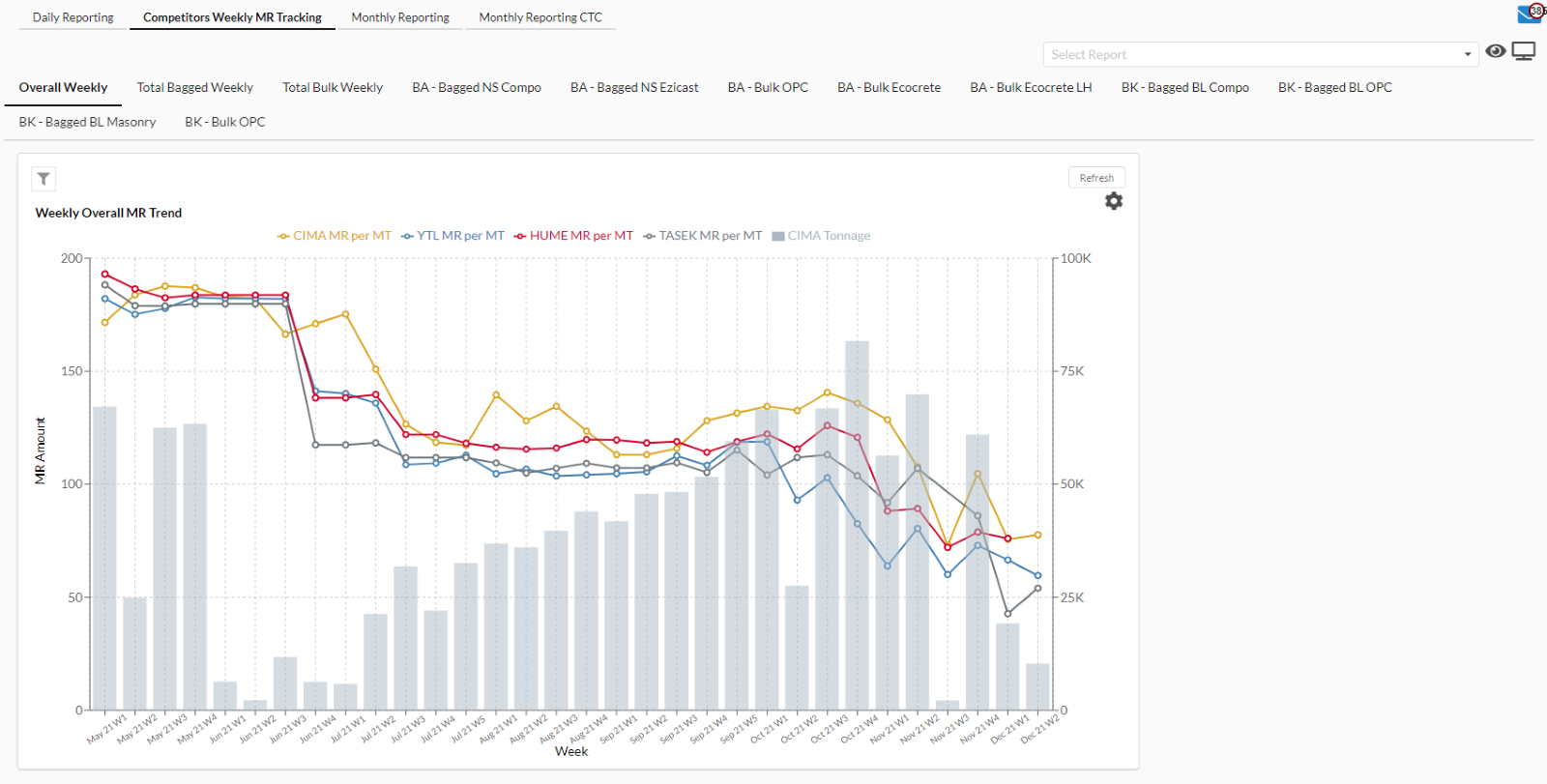
- Under Competitors Weekly MR Tracking tab, there are a few of views which are:
- Overall Weekly
- Total Bagged Weekly
- Total Bulk Weekly
- BA – Bagged NS Compo
- BA – Bagged NS Ezicast
- BA – Bulk OPC
- BA – Bulk Ecocrete
- BA – Bulk Ecocrete LH
- BK – Bagged BL Compo
- BK – Bagged BL OPC
- BK – Bagged BL Masonry
- BK – Bulk OPC
1.3. Monthly Reporting
- Under Monthly Reporting tab, there are nine views which are:
- Total Monthly Bagged ASP Trend
- Total Monthly Bulk ASP Trend - Monthly Sales vs AOP – Total Bagged Bulk
- Monthly Sales vs AOP –By Regions
- Monthly Sales vs AOP –By Customers
- Monthly VC/FC/ASP Tracking by Plants
- Monthly CM, Volume, Status
- Monthly Ebitda, Volume, Status
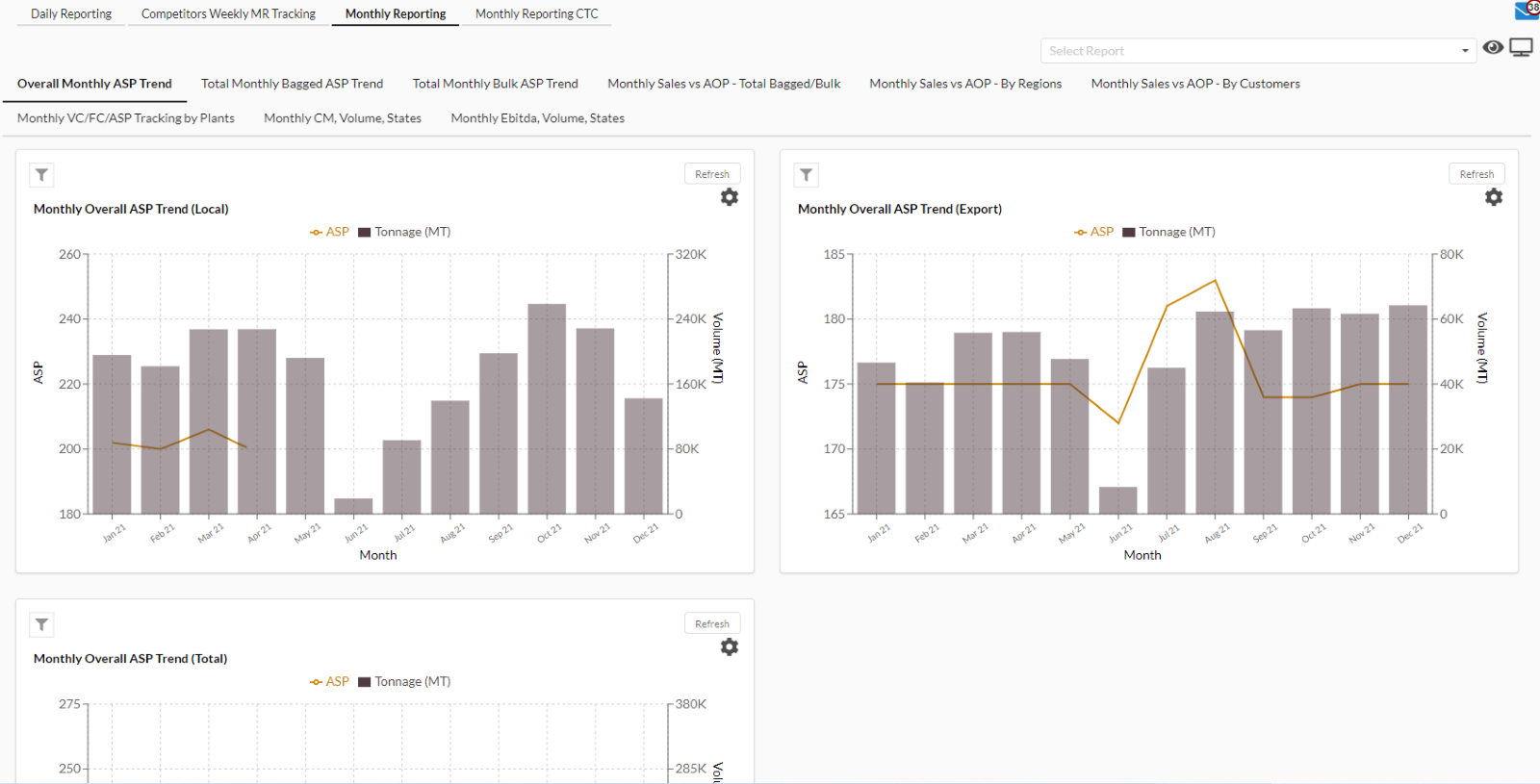
- User can search report name by clicking on the “Select Report” bar.
- User can also click on the eye icon to change either advance mode or view mode.

1.4. Monthly Reporting CTC
- Under Monthly Reporting CTC tab, there are three views which are:
- Monthly Sales vs AOP –Total Bagged/Bulk
- Monthly Sales vs AOP – By Regions